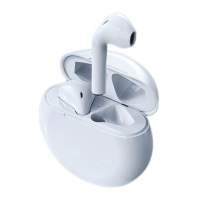
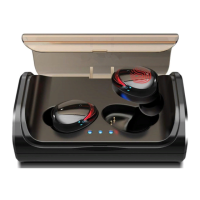
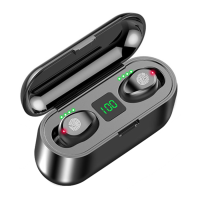
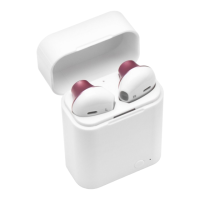
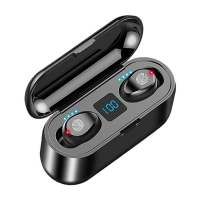
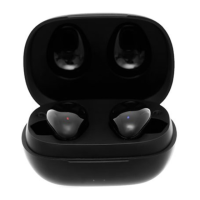
around the box while the box light is blue, when they catch connection with the box, they will
light up red. Use a paper towel or a tissue, do some folds and attach it inside the box top lid.
Place the earphones and close the lid. Just try moving them around the box while the box
light is running blue when they catch connection with the box, they will light up red. If one
side isn’t charging, this will push the earphone of that side to attach with the charging
terminal and charge.
If you succeeded with solution no.3, it looks like we have the charging box defect here.
If none of the solutions worked, your earpiece is faulty, go for replacing it.


 To Previous Page