EasyManua.ls Logo

TYAN S7012 - Page 19

TYAN S7012
90 pages
Print Icon
To Next Page IconTo Next Page
To Previous Page IconTo Previous Page
Loading...
19
http://www.tyan.com
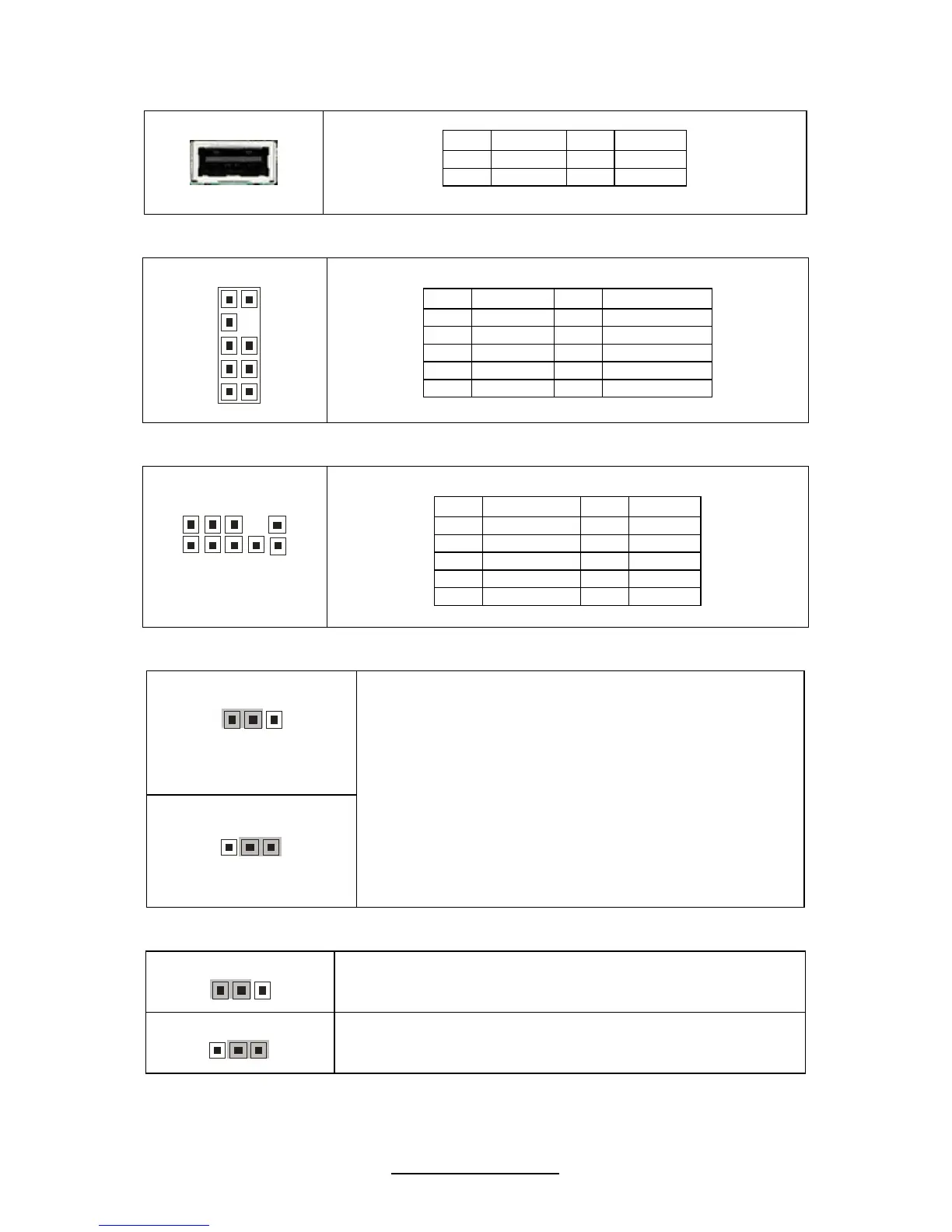
USB3: Type-A USB Connector
Pin Signal Pin Signal
1 +5V 2 USB D-
3 USB D+ 4 GND
J33: ICH SGPIO Header
1
0
2
9
1
Pin Signal Pin Signal
1 SMBCLK 2 SDATAOUT0
3 SMBDAT 4 SDATAOUT1
5 GND 6 SLOAD
7 KEY 8 SCLOCK
9 NC 10 NC
J35: CPLD JTAG Header
1
0
9
2
1
Pin Signal Pin Signal
1 JTAG_TCK 2 GND
3 JTAG_TDO 4 +3.3V
5 JTAG_TMS 6 NC
7 NC 8 KEY
9 JTAG_TDI 10 GND
JP3: Clear CMOS Jumper
3
1
Normal
(Default)
1
3
Clear
Use this jumper when you forgot your system/setup
password or need to clear system BIOS setting.
How to clear the CMOS data
- Power off system and disconnect power
supply from AC source
- Use jumper cap to close Pin_2 and 3 for
several seconds to Clear CMOS
- Replace jumper cap to close Pin_1 and 2
Reconnect power supply to AC source
Power on system
JP1/JP2: COM2 Switch Jumper
3
1
Pin 1-2 Closed: SIO to COM2 (Default)

1
3
Pin 2-3 Closed: BMC UART2 to COM2`

Related product manuals