29
http://www.tyan.com
2.9 - Attaching Drive Cables
Attaching Serial ATA Cables
The S7012 is also equipped with 6 Serial ATA (SATA) channels.
Connections for these drives are also very simple.
There is no need to set Master/Slave jumpers on SATA drives.
TYAN has supplied six SATA cables. If you are in need of other cables or power
adapters please contact your place of purchase.
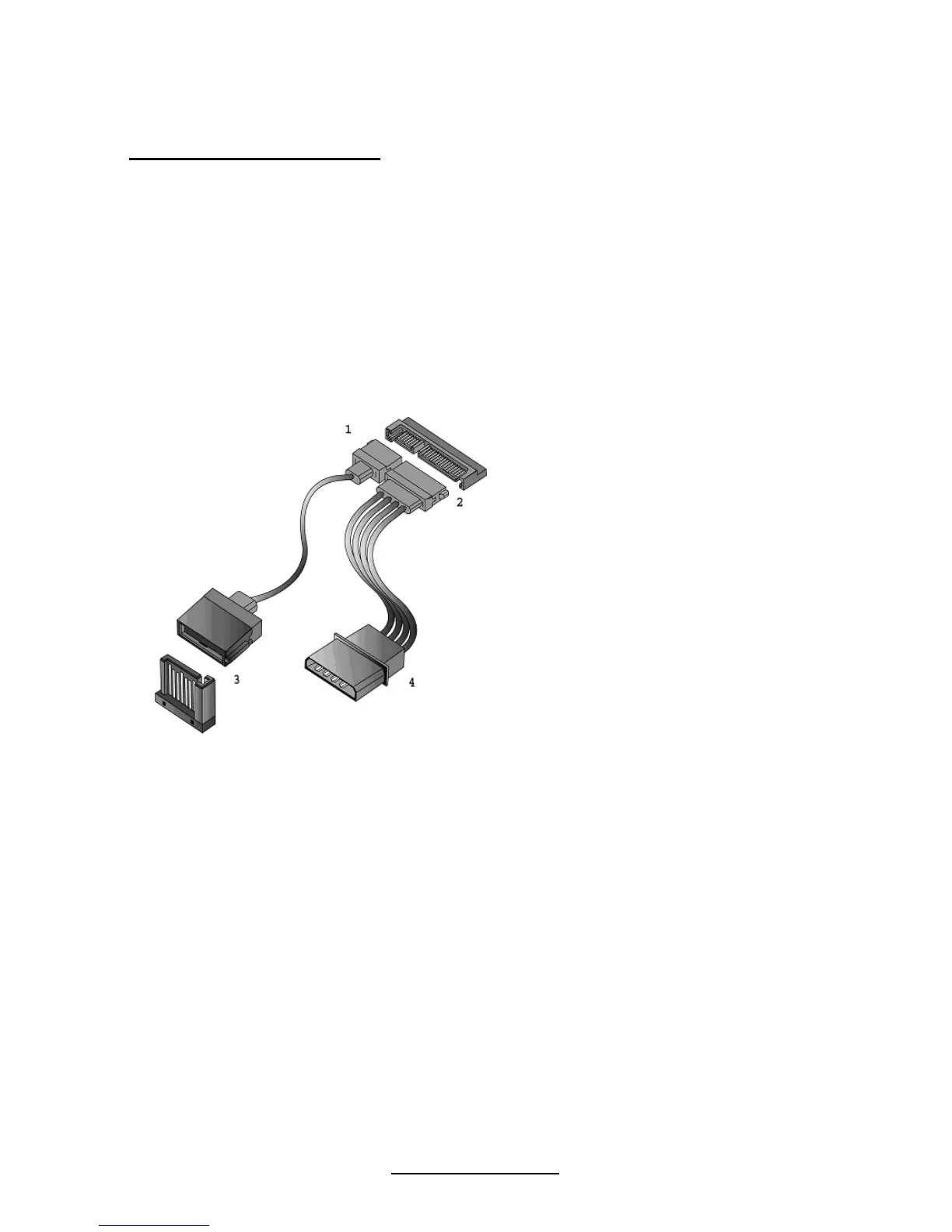
The following pictures illustrate how to connect an SATA drive
1.SATA drive cable
connection
2. SATA drive power
connection
3. SATA cable motherboard
connector
4. SATA drive power adapter



 To Next Page