13
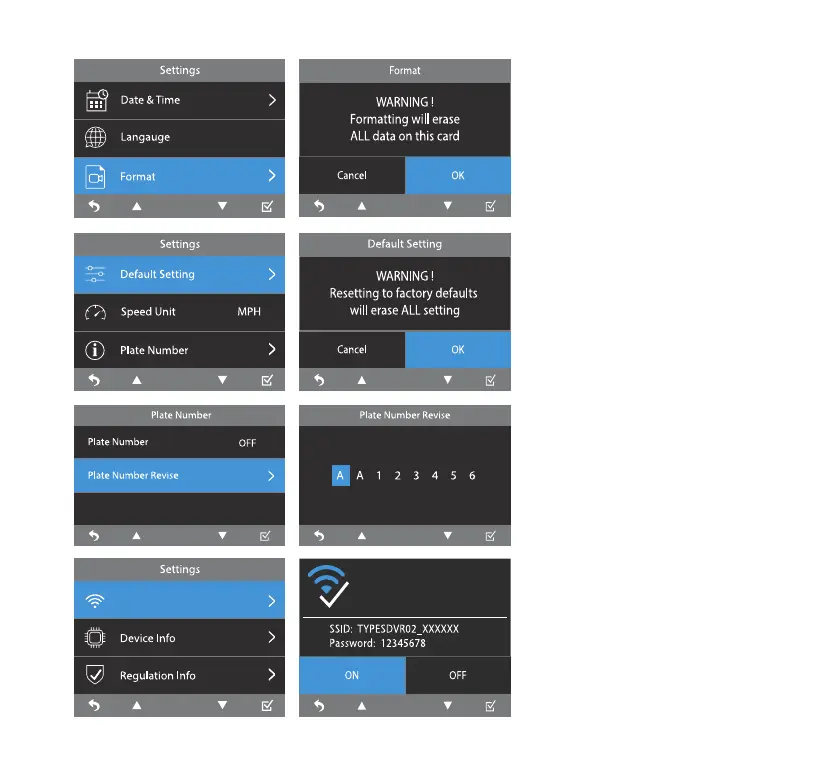
Language
Default Setting
Format
Speed Unit
Plate Number
WiFi Setting
Default language of the 4K
Dash Cam is English.
To reset all settings to
their defaults.
Erase all data on the
MicroSD card.
Select the unit of speed.
Default speed unit is set
as MPH.
Insert your license plate
number and set it as ON. The
license plate number will
appear on all recorded media
les along with time stamp.
Refer to page 17 on WiFi
setting and auto sync with
a smart device using the
TYPE S Drive APP.
Wifi Setting
Enable and connect below Wi
network on your smart device
English



 To Next Page