6
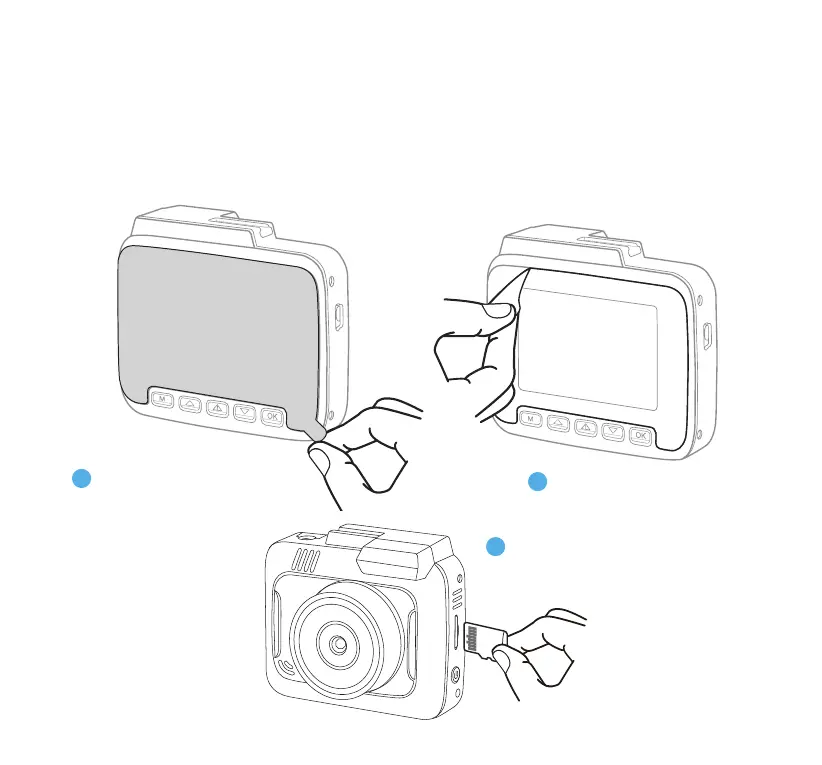
Make sure the
MicroSD Card is
inserted.
3
1
2
8. INSTALLATION
7. BEFORE YOU START
Please power ON, congure Initial Settings (Section 9), connect with the TYPE S Drive App (Section 16)
and test before installing on your vehicle. Please use this document for detailed instructions and product
information. As always, please feel free to contact our Customer Care team for further assistance toll-free
(866) 294-9244.
Peel o the static cling label.
Peel o the
protective lm.



 To Next Page