16
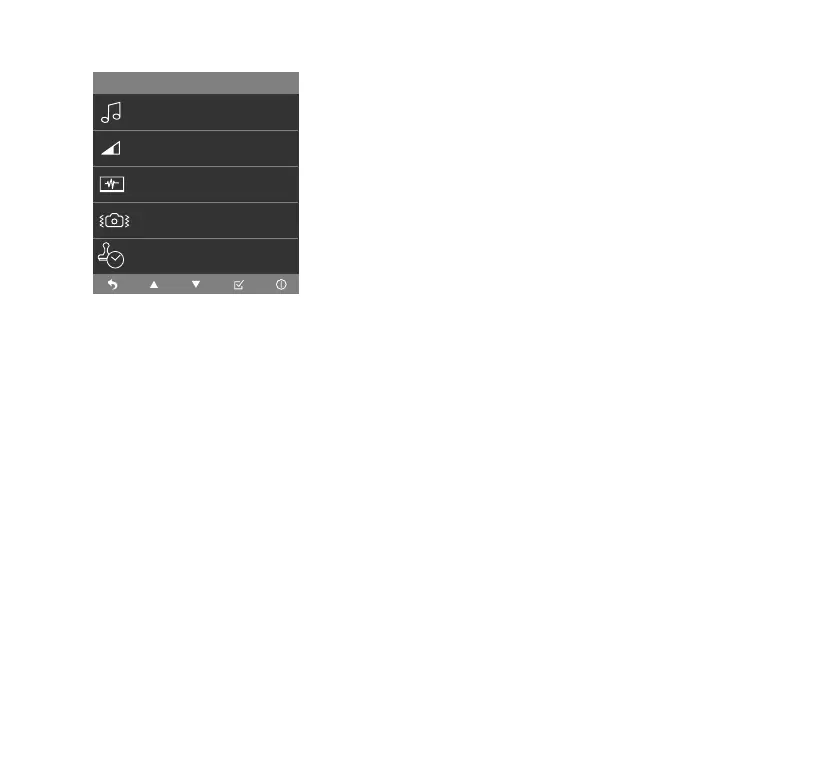
Keypad Tone
• Select to mute or unmute the keypad tone.
Video Volume
• Select the video volume of each recorded footage
between Low, Mid and High.
Startup Sound
• Startup Sound On/O. When you set this as ON, the
Dashcam will play a tone upon being powered on.
Anti Flicker
• Adjust anti-ickering setting between 50Hz and
60Hz.
Date and TYPE S Logo Stamp
• Date and TYPE S Logo Stamp On/O. When you set
this as ON, the date and TYPE S logo stamp will show
on all recorded media les.
Media Setting
Media Setting
>
Anti Flicker
>
Date Stamp
>
Startup Sound
>
Video Volume
>
Keypad Tone
>



 To Next Page