00:00 00:36
20231231_150135F.MOV
01:00
12-31-2023
01:00
12-31-2023
00:36
12-31-2023
01:00
12-31-2023
Video_Front 1/15
00:53 00:53
Delete selected le?
OK Cancel
01:00
12-31-2023
01:00
12-31-2023
01:00
12-31-2023
01:00
12-31-2023
Video_Front 1/15
12
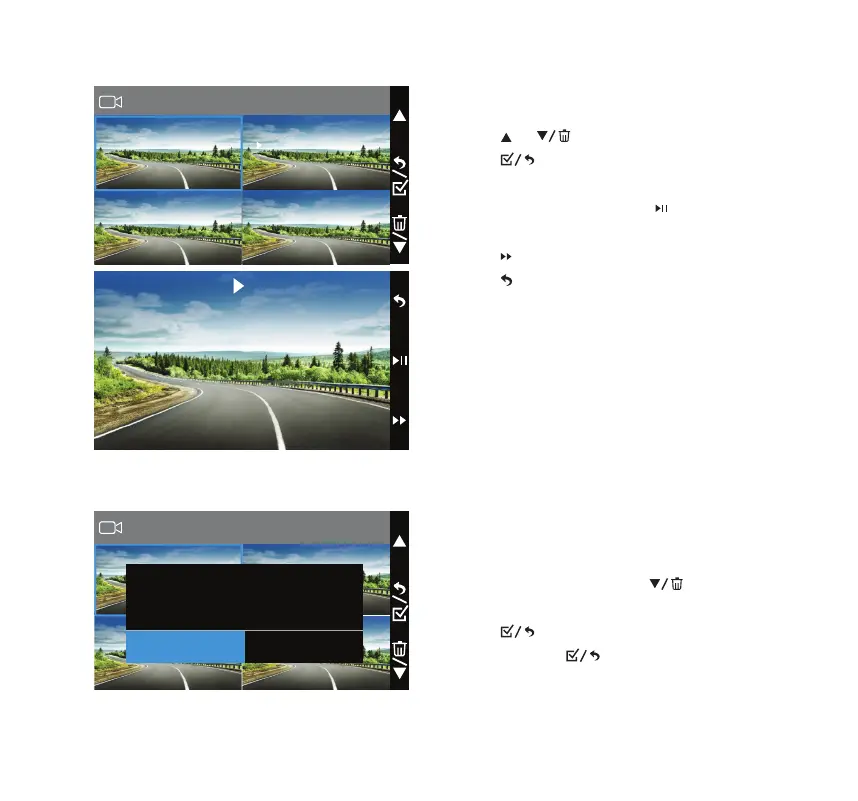
Play Back and Manage Files
• Click or to cycle through the previews.
• Click to open the selected video le or
enlarge the selected photo into full screen.
• During video playback, click
to pause and click
again to resume the video.
• Click
to adjust video speed to X2 or X4.
• Click to return to the previews for next video.
Erase Files
• In previews, press and hold to delete the
selected le or all les in the current folder.
• Click to conrm the erase.
• Press and hold to return to folder selection.



 To Next Page