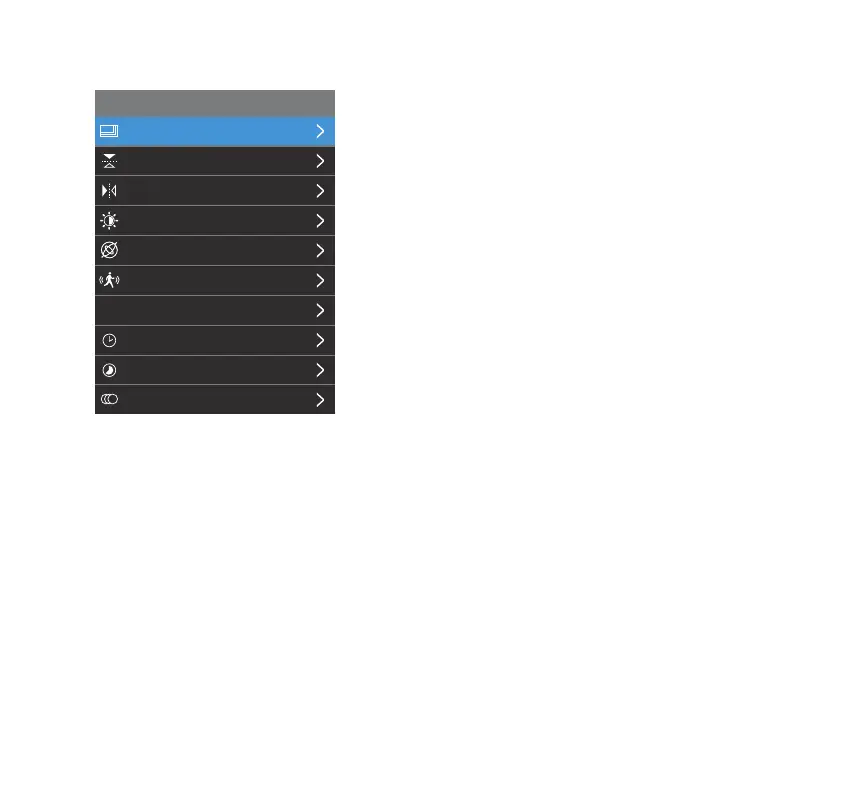
Resolution
Flip Vertical
Flip Horizontal
Exposure
G-Sensor
Motion Detection
Parking Monitor
Loop Record
Time Lapse
Slow Motion
Video Setting
P
13
Video Setting
Resolution
• Switch between ve recording resolutions. Higher frame
rates (FPS) provide smoother footage. 4K (3840 x 2160P)
(60FPS), 4K (3840 x 2160P) (30FPS), 2K (2560 x 1440P)
(60FPS), 2K (2560 x 1440P) (30FPS) and 1080P (1920 x
1080P) (60FPS).
• When the add-on 1080P Rear Camera (BT532838) is
connected, you may only switch between 4K+1080P and
2K+1080P resolutions, and the frame rate will be xed at
30 FPS.
NOTE: The video resolution of normal recording cannot be
adjusted when Slow Motion is in use.
Flip Vertical
• Select to invert the rear camera image upside down.
Flip Horizontal
• Select to invert the rear camera image left to right.
NOTE: Flip Vertical and Horizonal are only available when the
add-on 1080P Rear Camera (BT532838) is connected.



 To Next Page