11
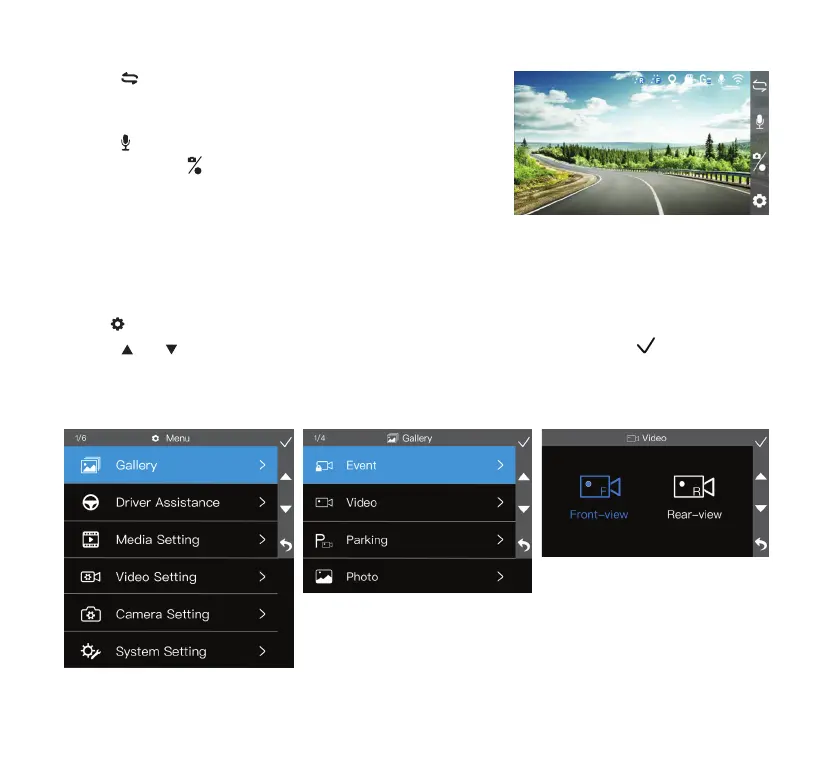
Gallery Mode
• Click
to open settings menu and select Gallery.
• Utilize
and to cycle through Event, Video, Parking and Photo folders, then click to select.
• In each folder, you can select between browsing front and rear camera footages or photos if the rear
camera is connected.
• Click to switch between ADAS, picture-in-picture, front
and rear view. Picture-in-picture and rear views are only
available when the rear camera is connected.
• Click
to turn audio recording on/o.
• Press and hold
to start/stop recording, or click once to take
a photo.
• Click the event recording button to start an emergency video
recording. The footage will be stored in the Event folder.



 To Next Page