85
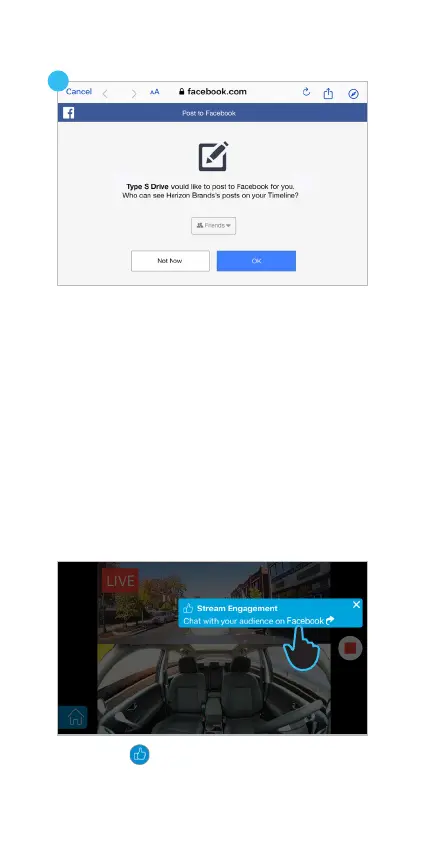
11. Tap the icon from the Live Stream view and
then tap Stream Engagement to switch to the
Facebook APP.
10. Choose who can see your posts online and
tap OK to broadcast.
NOTES:
I. Facebook allows user to broadcast up to 4 hours
on each live streaming section.
II. Facebook APP supports 360° VR viewing mode. If
you are viewing the 360° broadcast just tilt your
phone or drag on the screen to spin around.
However, it is not available if you watch Facebook
Live on a web browser.
10
11
Live Stream on Facebook APP



 To Next Page