95
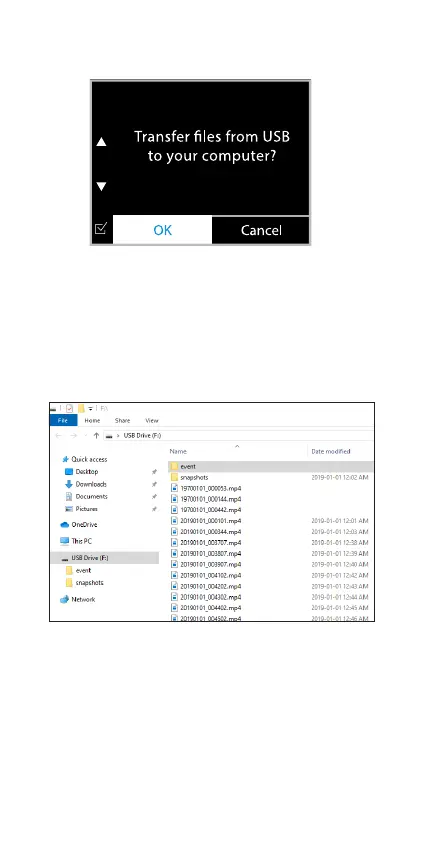
Once the TravCa Dash 360 is connected to a computer
with a MicroUSB data cable (not included), this screen
will show up on the TravCa Dash 360. Select OK to
proceed.
The TravCa Dash 360 will function as a card reader for
the computer, and it will appear as a new USB drive. User
can manage les in the MicroUSB card directly from the
computer.
NOTE: The TravCa Dash 360 will stop recording when it is
connected to a computer.
You can enjoy the 360˚ VR experience using the
Microsoft Movies & TV app for PC or VLC Media Player for
Mac. Visit the link below to download the latest version
of VLC Media Player.



 To Next Page