18
Installing the Driver of the Printer
Before installing the driver of your printer, make sure the
printer is properly connected to the host PC.
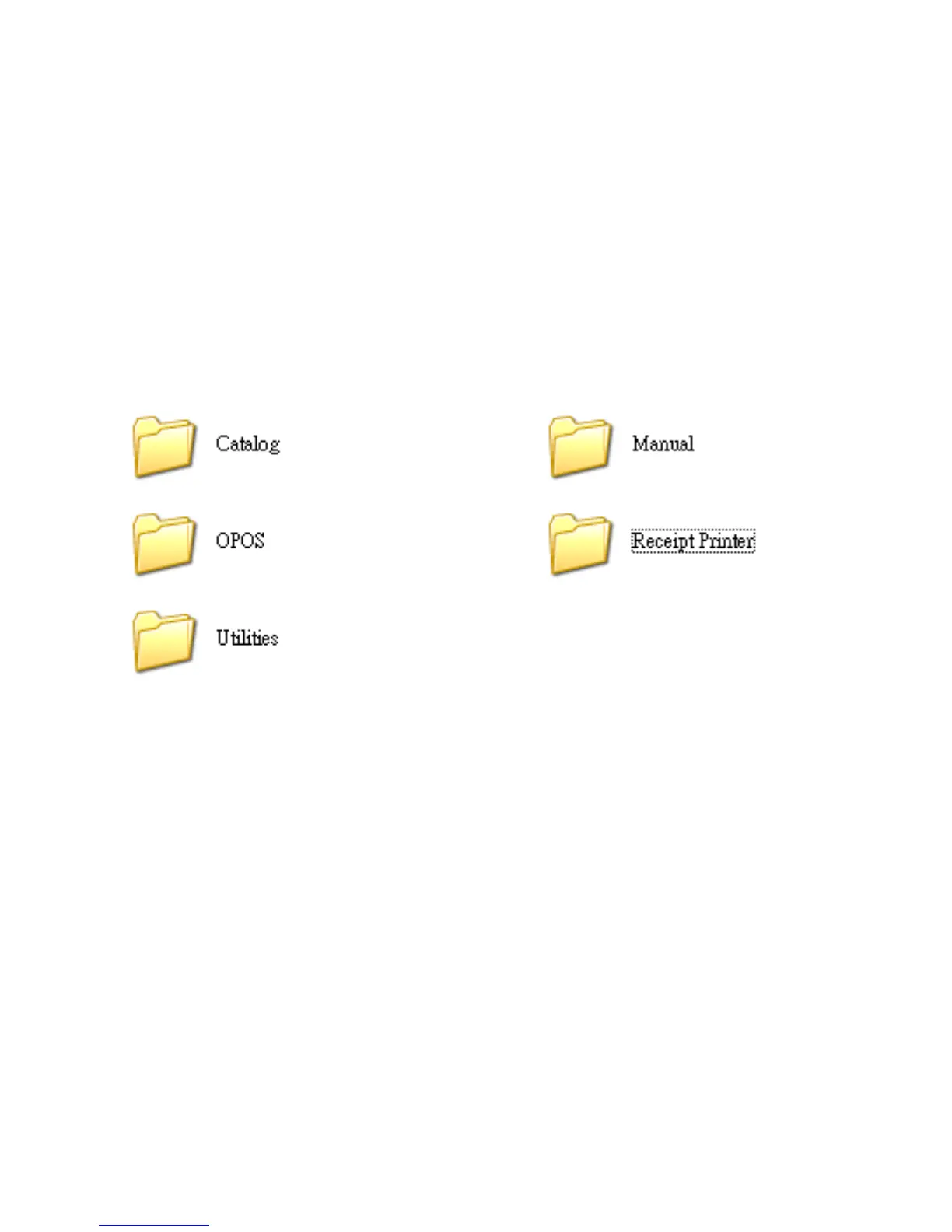
Place the supplied Utility CD into the CD-ROM drive.
Browse the CD and open the folder “Receipt Printer” to
install the required software.
Note: For USB Interface Installation
Please refer to “Appendix” and install the Virtual COM
driver (page 36) prior to the Installation of Printer Driver.


 To Next Page