13
3. Conrm that your account informaon
is correct.
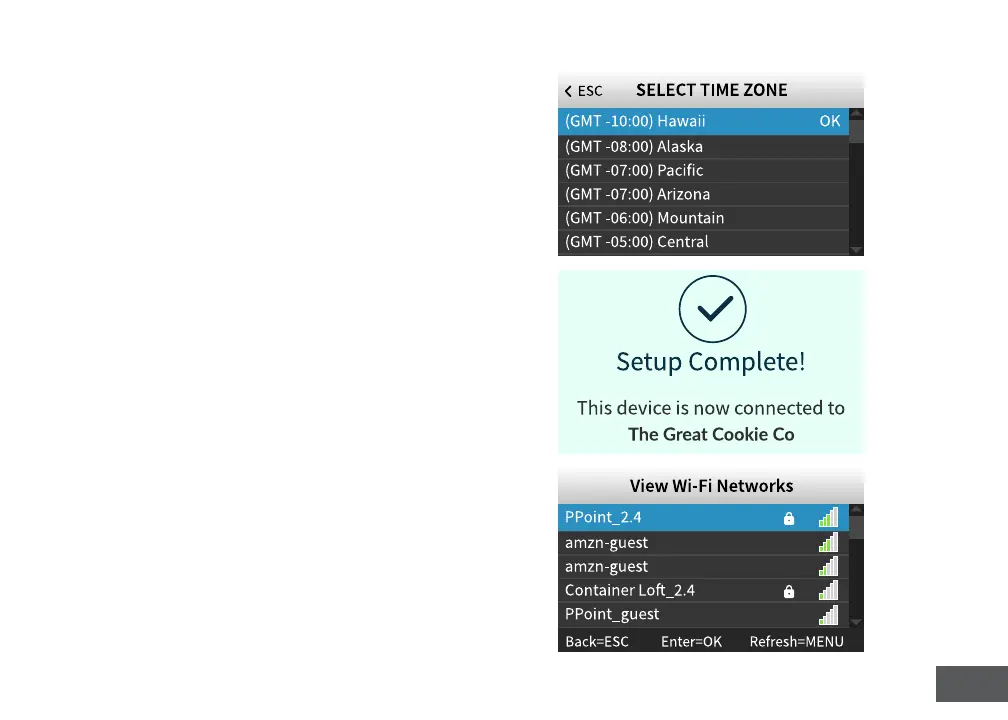
4. Select a me zone based on the locaon of
the clock.
5. Press OK when setup is complete.
ACTIVATION VIA WIFI
1. Plug your me clock into a power outlet.
Your clock should be powered on.
2. Select 1 for WiFi.
3. Press OK to view a list of WiFi Networks.
4. Select and conrm your Network.
5. Enter your password.
See the character table in the back of the manual
for assistance.



 To Next Page