17
REGISTERING FINGERPRINT TEMPLATES
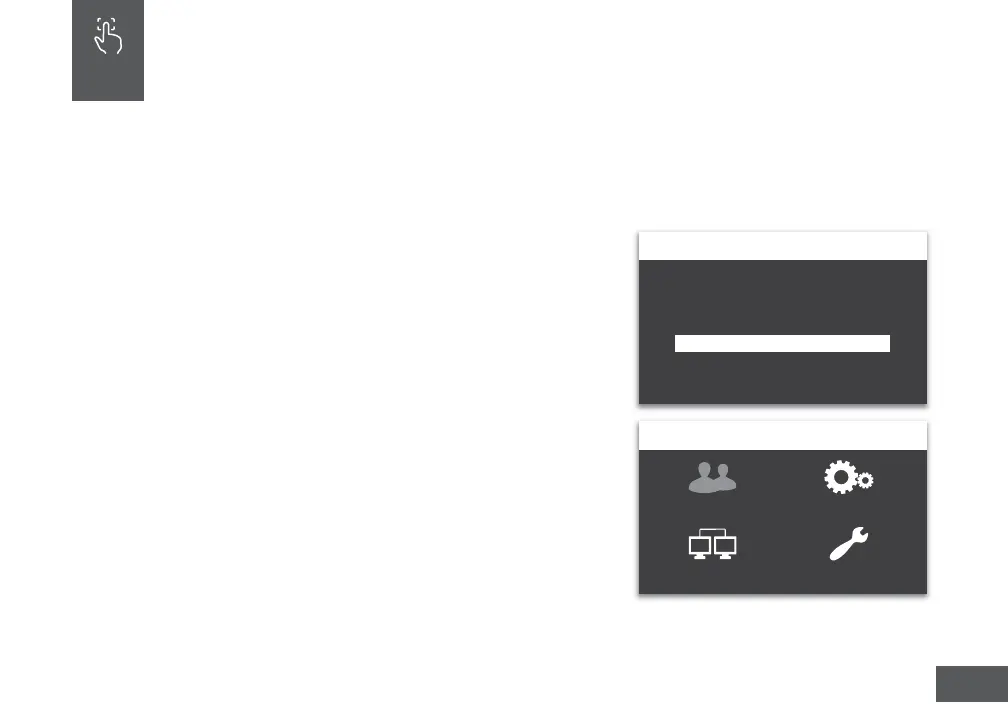
1. Press the MENU key.
2. Enter the default password (53178). Press OK.
3. Select User Management.
4. Select Add User.
5. Enter a 6 digit FP ID code for the ngerprint template
and press OK. Each template must be assigned a unique
code, we recommend using a number that is easy to
remember such as a birth date. For example,
June 16, 1984 could be 061684.
FINGERPRINT TEMPLATES
uAend’s unique biometric ngerprint me clock allows you to register
employee ngerprints and transfer them between uAend BN Series
Time Clocks.
07
Authentication
Please Authenticate with PWD
Back=ESC Enter=OK
ADMIN
User Management Device Management
Commset System Management
Back=ESC Enter=OK



 To Next Page