QUESTIONS? Call 800-518-8925 or Email support@trackmyme.com
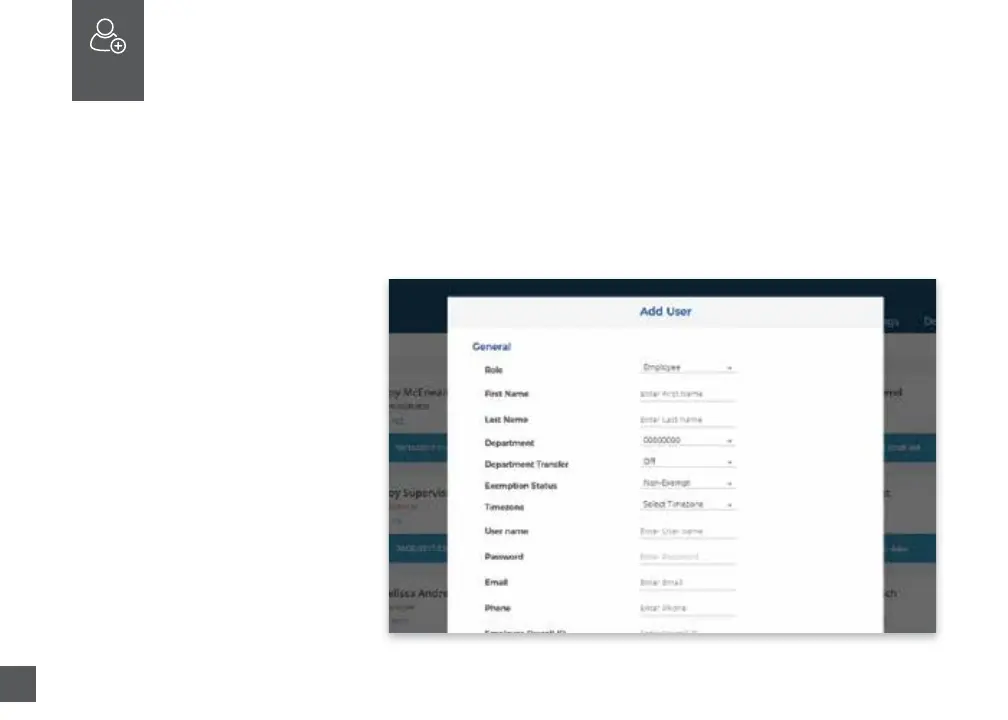
1. Select the Users tab on your
Dashboard.
2. Select “Add User.”
ADD EMPLOYEES
The number of employees you can add to your account is limited by the plan
size you have chosen.
Oponally change the size of your plan at any me by selecng your user icon
in the upper right corner of your uAend Portal, then “My Account” from the
dropdown menu.
04



 To Next Page