9
4. Enter the full Department Name.
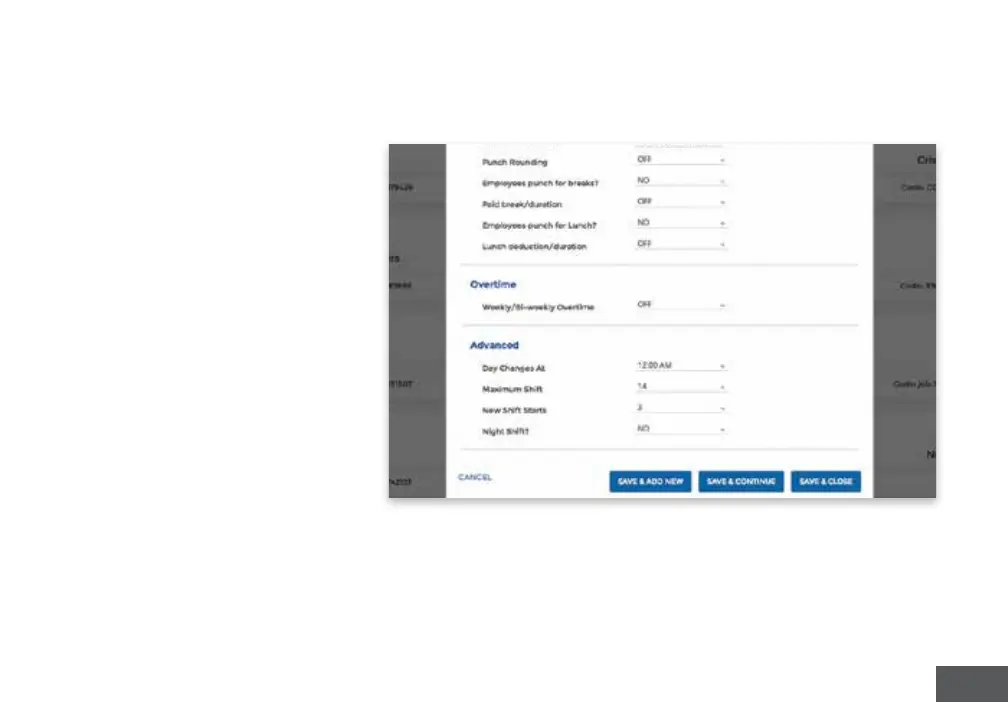
Specify addional department
sengs on this screen now, or
enter that informaon later.
5. Select...
a. “Save & Add New” to add
a new department.
b. “Save & Connue” to add
more rules and policies.
c. “Save & Close” to move to
the next step.



 To Next Page