Introduction
ThankyouforpurchasingtheUbiquitiNetworks
™
airFiber
™
24GHz
Point‐to‐PointRadio,modelAF5U.ThisQuickStartGuideisdesignedtoguideyouthroughtheinstallationoftheairFiberAF5U,showyou
howtoaccesstheairFiberConfigurationInterface,andexplainhowtosetupanairFiberlink.
PackageContents
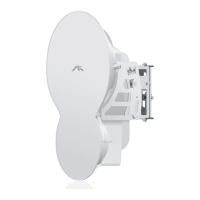
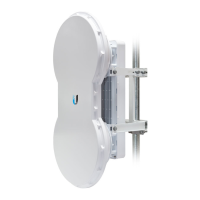
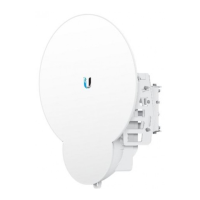
airFiberAF5U PoleMount
Bracket
PoleClamps
(Qty.2)
CableTies
(Qty.2)
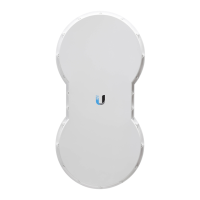
airFiberAF5U
QuickStartGuide
PoEAdapter
(50V,1.2AGigE)
PowerCord
HardwareOverview
Side
Back
Interfaces
Interface Description
RESET
Toresettofactorydefaults,pressandholdtheRESET
buttonformorethanfivesecondswhiletheunitis
alreadypoweredon.
LEDDisplay
Digitaldisplayusedforpower,status,andmode
information.
DATA 10/100/1000Mbpsporthandlesallusertraffic.
AUX Portforaudiotoneaiming.
Management
10/100Mbps,securedportforconfiguration.By
default,thisistheonlyportthatcanmonitor,configure,
and/orupdatefirmware.

 Need help?






 To Next Page
 General