Hardware Overview
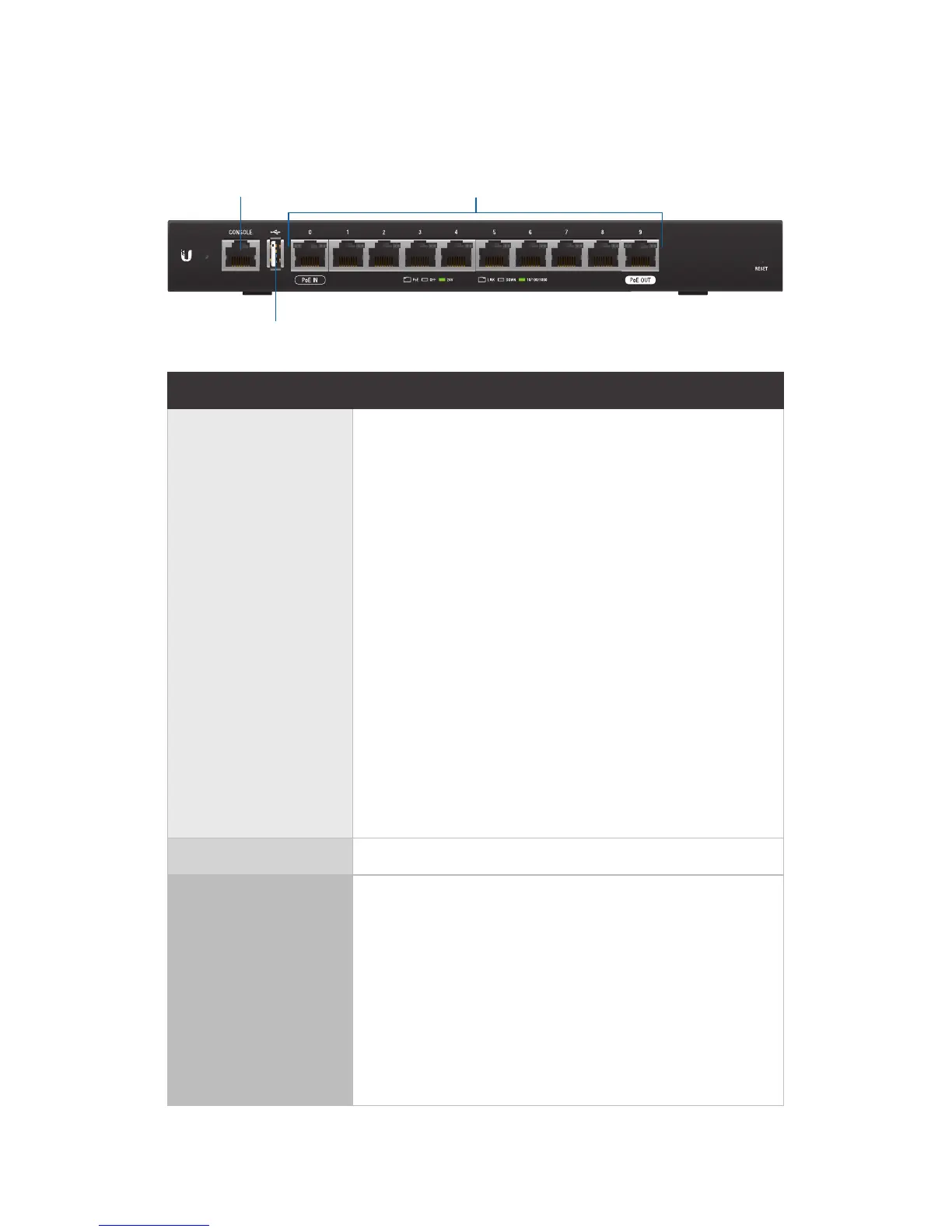
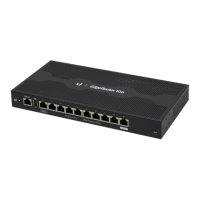
Front Panel Ports
Console
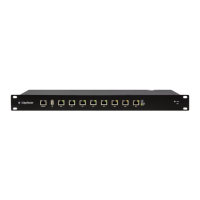
RJ45 (Ports 0 - 9)
USB
Interface Description
Console
RJ45 serial console port for Command
Line Interface (CLI) management. Use an
RJ45-to-DB9, serial console cable, also
known as a rollover cable, to connect the
Console port to your computer. (If your
computer does not have a DB9 port,
then you will also need a DB9 adapter.)
Then configure the following settings as
needed:
• Baud rate 57600
• Data bits 8
• Parity NONE
• Stop bits 1
• Flow control NONE
USB Reserved for future use.
RJ45
(Ports 0 - 9)
All RJ45 ports can be used for routing
and support 10/100/1000 Mbps Ethernet
connections. Ports 0 - 9 can be configured
for switching functions using the
EdgeOS
®
Configuration Interface. Port
0 supports 24V Passive PoE In and port
9 supports optional Passive PoE Out
(disabled by default).







 To Next Page