Introduction
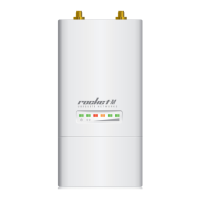
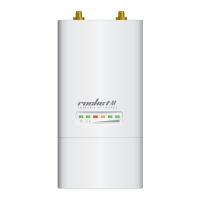
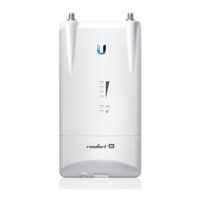
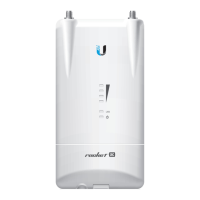
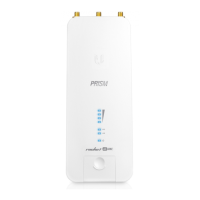
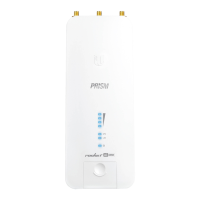
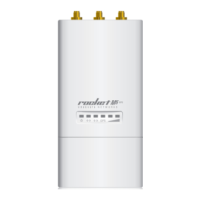
Thank you for purchasing the Ubiquiti Networks® Rocket®.
This Quick Start Guide is designed to guide you through
installation and also includes warranty terms.
Package Contents
Rocket Metal Strap PoE Adapter
(24V, 1A)
Carrier Class
airMAX
®
BaseStation
Models: M900/M2/M3/M365/M5/M6
Power Cord Quick Start Guide
Installation Requirements
Shielded Category 5 (or above) cabling should be used for all
wired Ethernet connections and should be grounded through
the AC ground of the PoE.
We recommend that you protect your networks from
harmful outdoor environments and destructive ESD events
with industrial‑grade, shielded Ethernet cable from Ubiquiti
Networks. For more details, visit www.ubnt.com/toughcable
TERMS OF USE: Ubiquiti radio devices must be professionally installed. Shielded Ethernet
cable and earth grounding must be used as conditions of product warranty. TOUGHCable
™
is
designed for outdoor installations. It is the customer’s responsibility to follow local country
regulations, including operation within legal frequency channels, output power, and Dynamic
Frequency Selection (DFS) requirements.


 To Next Page
 Loading...