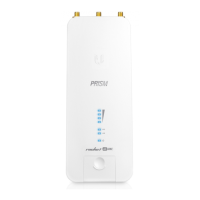
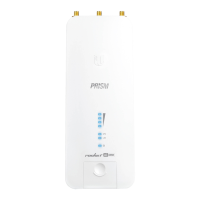
*640-00055-03*
640-00055-03
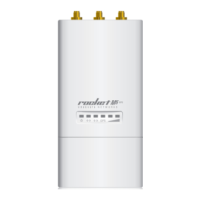
4. Attach the RF cables to the connectors labeled Chain 0 and
Chain 1 on the Rocket.
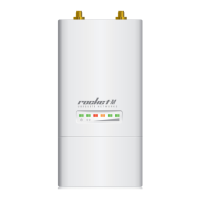
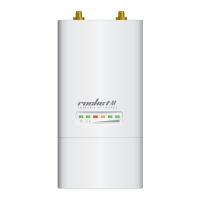
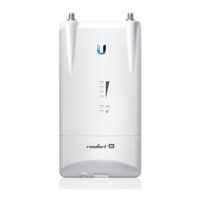
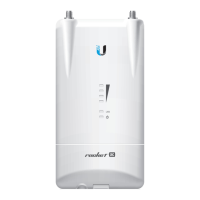
5. Attach the Rocket to an antenna. Align the mounting tabs
on the Rocket with the mounting slots on the antenna.
Slide the Rocket down until it locks into place. (For
pole‑mounting, refer to the Pole‑Mounting section.)
Mounting on a Dish Antenna Mounting on a Sector Antenna


 To Next Page
 Loading...