Optional WAN Port Configuration via Layer 3
By default, the WAN1 port is set to DHCP so it can be assigned
network settings by the service provider. To change the
setting, connect a computer directly (or through a switch) to
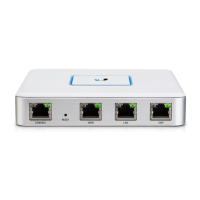
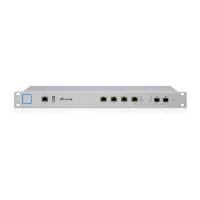
the LAN1 port of the UniFi Security Gateway Pro.
1. From a web browser, go to: https://setup.ubnt.com
https://setup.ubnt.com
2. The UniFi Security Gateway Pro login window will appear.
Enter your Username and Password. Click Sign In.
Note: If the UniFi Security Gateway Pro has not been
adopted by a UniFi Controller, the login window will
be skipped and the Setup window will appear.
3. In the Setup window, click Edit Configuration to configure
the WAN1 port as DHCP, Static IP, or PPPoE.
For information on using the UniFi Controller software, refer to
the User Guide located on our website at:
www.ubnt.com/download/unifi


 To Next Page
 Loading...