10 GbE
1 GbE
Outdoor Installation Requirements
Shielded Category 5 (or above) cabling should be used for all outdoor wired
Ethernet connections and should be grounded through the AC ground of the PoE.
We recommend that you protect your networks from harmful outdoor environments
and destructive ESD events with industrial-grade, shielded Ethernet cable from
Ubiquiti. For more details, visit:
ui.com/toughcable
System Requirements
Linux, Mac OS X, or Microsoft Windows 7/8/10
Java Runtime Environment 1.8 or above recommended
Web Browser: Google Chrome (Other browsers may have limited functionality.)
UniFi Network Application v5.7 or newer (available at:
ui.com/download/uni
)
Hardware Overview
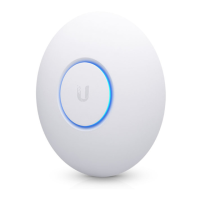
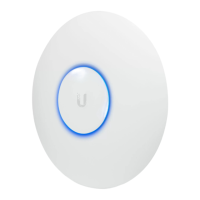
LED
Ports
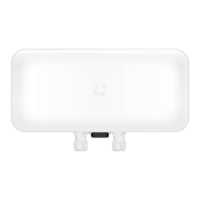
The 10 GbE port is a 1/10 Gbps Ethernet port used to connect to the LAN and DHCP
server. It can also be used to connect the power.
Note:
The UWB-XG can be powered using an 802.3bt PoE switch or the
included Gigabit PoE adapter. For instructions, see
Connecting Power
.


 To Next Page
 Loading...