Introduction
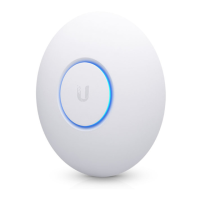
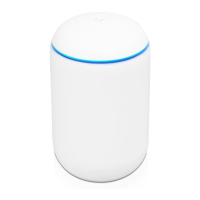
Thank you for purchasing the Ubiquiti Networks®
UniFi®802.11ac Dual-Radio AP with Public Address System.
This Quick Start Guide is designed to guide you through
installation and also includes warranty terms.
IMPORTANT: The UAP-AC-EDU requires the UniFi Controller
v
4.9.5
or higher, available at: downloads.ubnt.com/unifi
Package Contents
UniFi AP AC EDU Mounting Template Gigabit PoE* (48V, 0.5A)
with Mounting Bracket
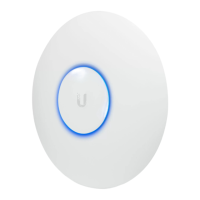
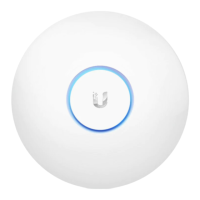
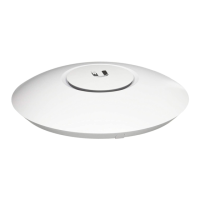
802.11ac Dual-Radio AP
with Public Address System
Model: UAP-AC-EDU
Power Cord* Quick Start Guide
* Included only in the single-pack of the UAP-AC-EDU.
Installation Requirements
• CAT5/6 cable
• Phillips screwdriver
• Drywall or keyhole saw (to cut the hole in the ceiling tile)
TERMS OF USE: All Ethernet cabling runs must use CAT5 (or above). It is the customer’s
responsibility to follow local country regulations, including operation within legal frequency
channels, output power, indoor cabling requirements, and Dynamic Frequency Selection
(DFS) requirements.



 To Next Page
 Loading...