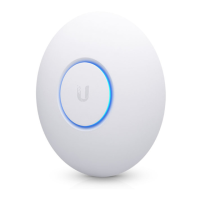
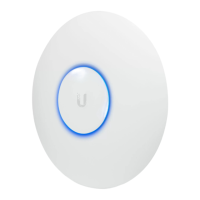
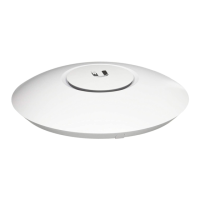
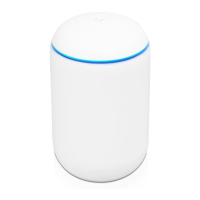
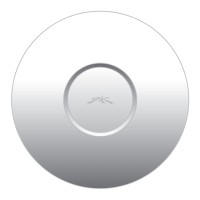
LED and Microphone
Microphone
(reserved for
future use)
Color State Status
White
Steady
Factory default, waiting for
integration.
Flashing
Initializing.
White/
Blue
Alternating
Device is busy; do not touch or
unplug it. This usually indicates
that a process such as a firmware
upgrade is taking place.
Blue
Steady
Indicates the device has been
successfully integrated into a
network and is working properly.
Quickly
Flashing
This is used to locate an AP.
When you click Locate in the UniFi
Controller software, the LED on the
AP will flash. It will also display the
location of the AP on the map.
Steady with
occasional
flashing
Indicates the device is in an isolated
state (all WLANs are brought down
until an uplink is found).



 To Next Page
 Loading...