14
block diagrams, pin assignments, board support files and board schematic files) are all included
on the flash drive that came with your unit.
If your device should ever need to be returned to its original operating firmware, the source code
and the programming files to do this are available on the flash drive. In addition, newer versions
of the CC1’s firmware are posted online at Qubitekk’s website and are freely available to all.
The default firmware can be a useful place to start when exploring how to modify your CC1 unit.
Both the source code for the RCM3400 microprocessor and the Cyclone IV FPGA are available
and well commented. Be sure to check the Qubitekk website frequently for the latest versions of
the default firmware.
4.2 Uploading Custom Firmware
4.2.1 Accessing the Programming Ports
To upload new firmware to your CC1, it is necessary to first remove the cover at the bottom of
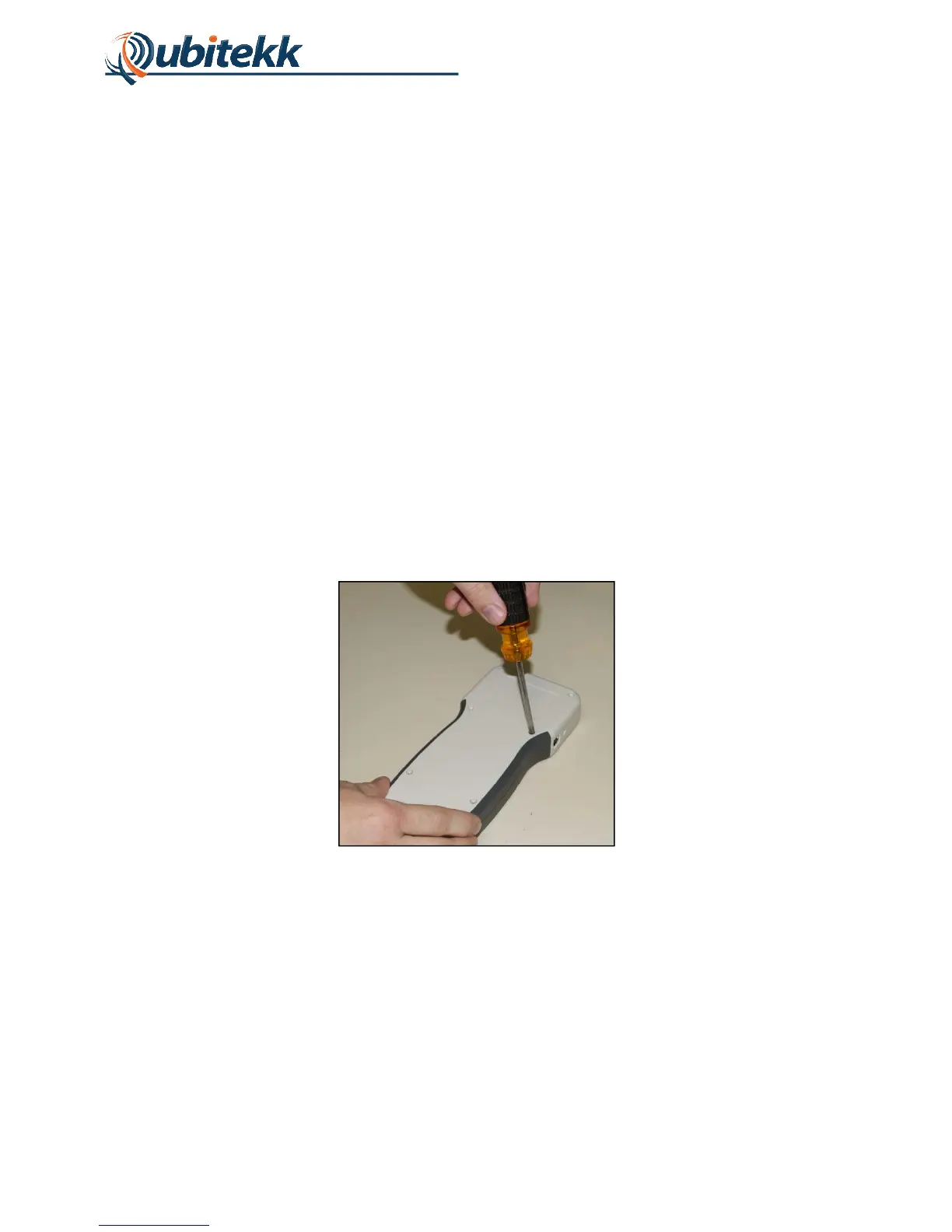
the CC1. To do so, first remove the six Phillips screws on the back of the CC1 that hold the two
halves of the CC1 instrument case together. With these screws removed, the two halves of the
enclosure can be gently pulled apart (pull each half straight away from the other for easiest
disassembly).
Figure 10. Removal of screws to disassemble CC1.
With the two halves separated, it is now possible to access and remove the bottom cover. The
disassembled CC1 should look as shown in Figure 11. Note how the two halves of the CC1 are
connected through a 2x7 pin header. When reassembling the CC1, be careful to realign these
pins properly.



 To Next Page