6
1.6 Making a Measurement
Once all measurement settings have been adjusted, the “menu” button should be pressed to
return to the Count Screen. With the Count Screen displayed, press the “ON/OFF” button to
start or end a count.
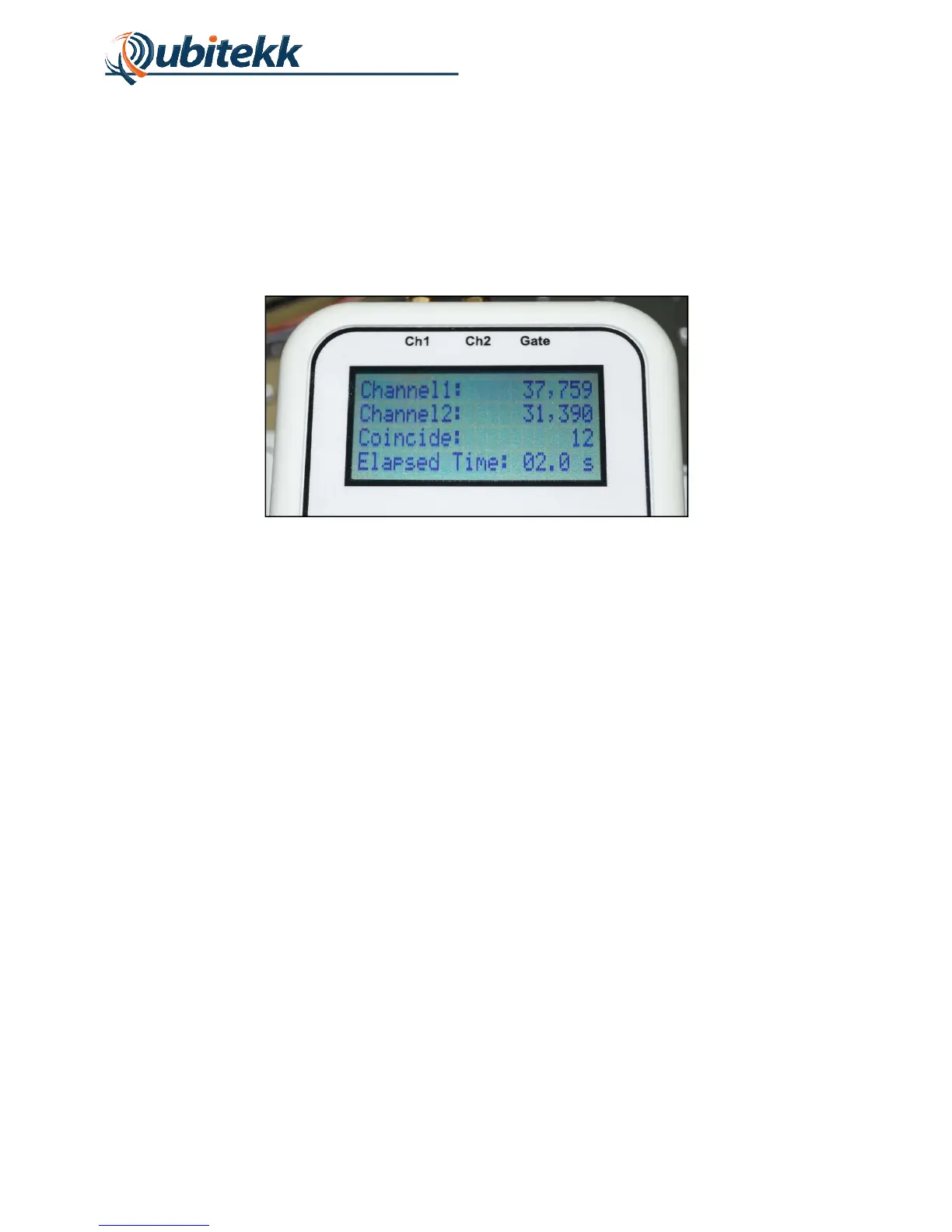
Once the “ON/OFF” button has been pressed, the details of the count measurement will be
displayed on the LCD as shown in Figure 6.
Figure 6. Count Screen after measurement.
Once the measurement is complete, the counts will remain on the screen until a new count is
initiated.
NOTE: If the unit is being triggered in “Continuous” mode, the counts will only remain on the
screen for a short period of time before resetting to zero and beginning the next count.



 To Next Page