2
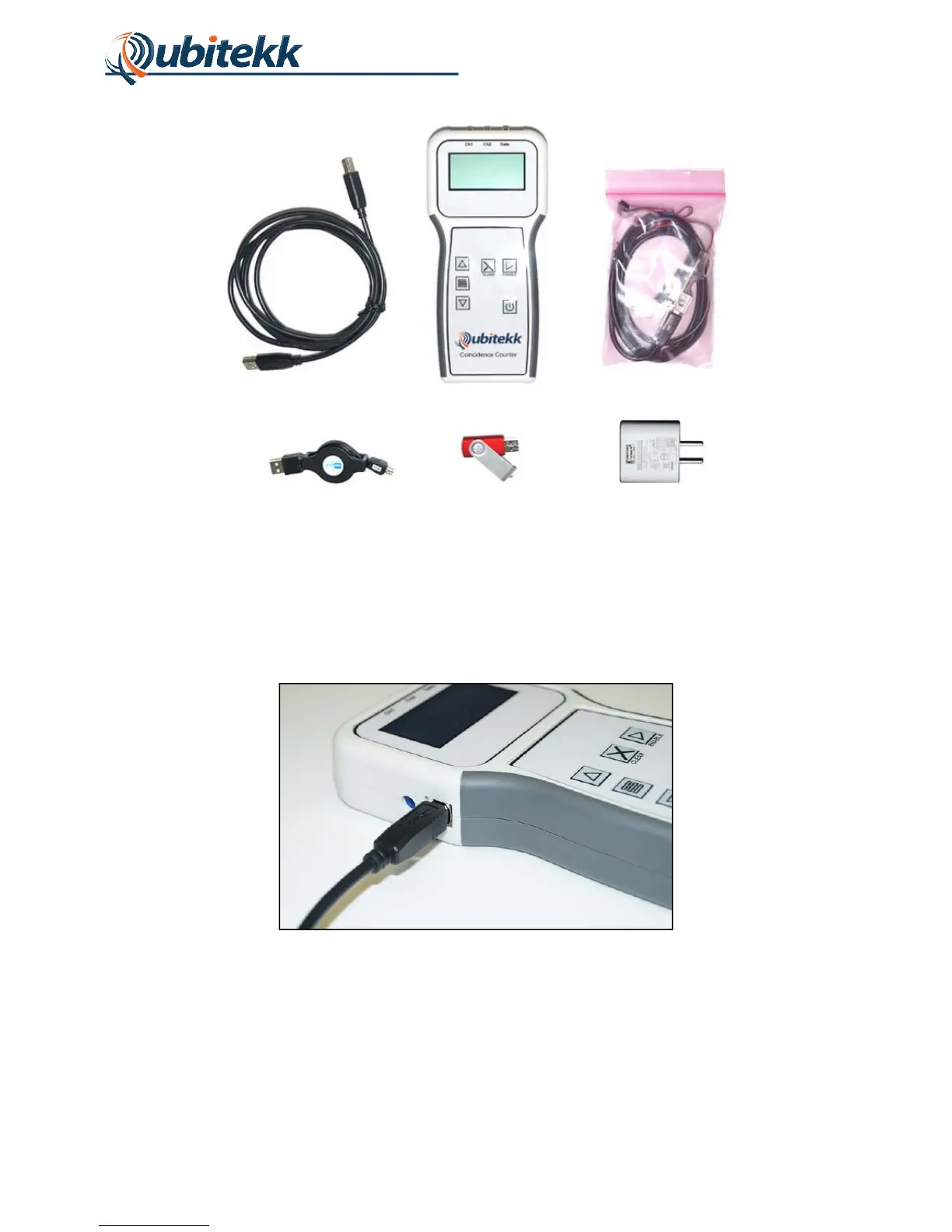
Figure 1. Components included with CC1 Coincidence Counter.
1.3 Powering the Unit and Connecting Inputs
The CC1 is powered through its USB port. The USB cable provided with the system should be
plugged into the side of the unit as shown in Figure 2.
Figure 2. Power over USB connection.
The other end of the USB cable can be plugged into a computer USB port or plugged into the
included USB-to-AC power connector, as shown in Figure 3.
a
b
c
d e f



 To Next Page