16
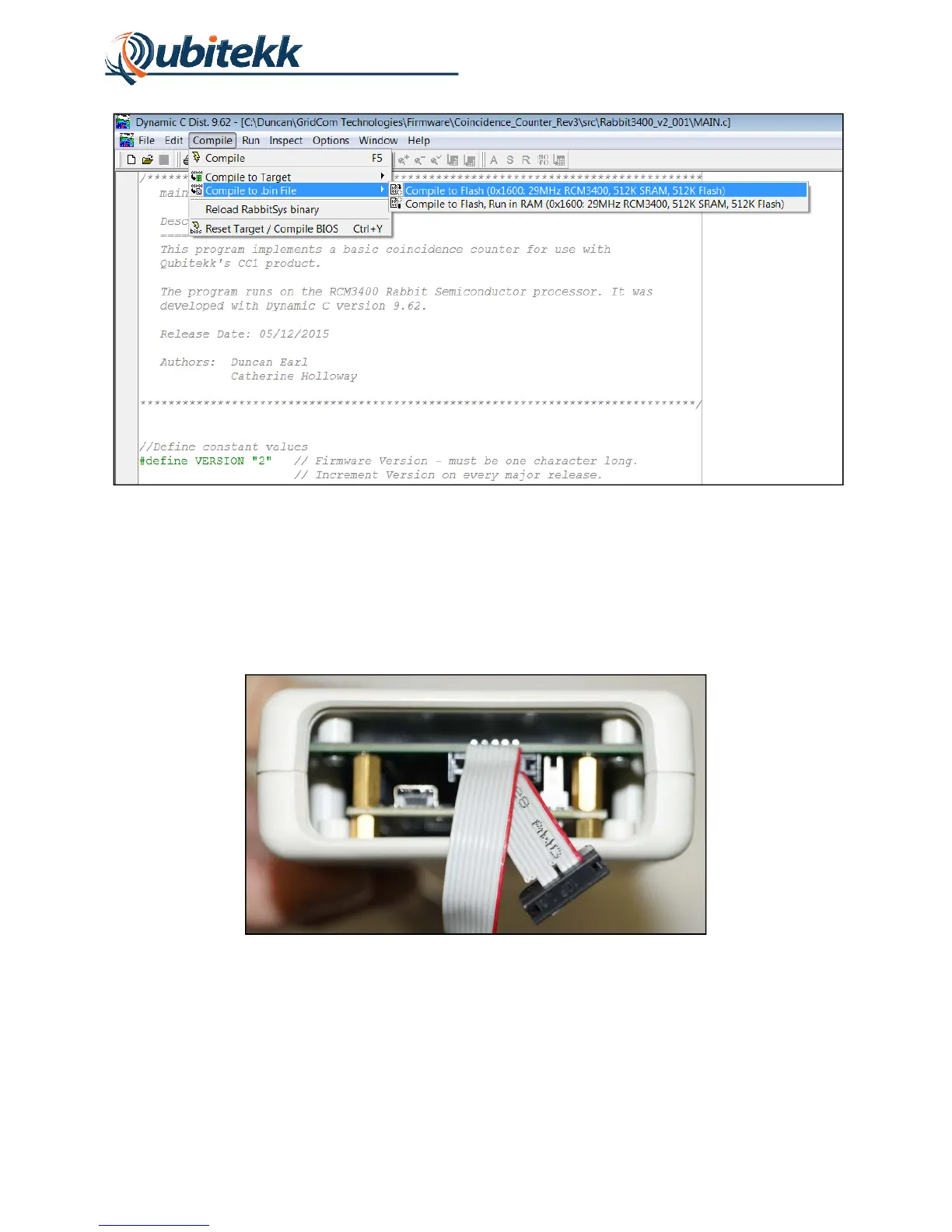
Figure 13. Creating a programming file for the RCM3400.
With the programming file (.bin) created, plug the USB end of the included Rabbit Programming
Cable (2mm) into your computer’s USB port. The other end of the programming cable contains
two 10-pin headers. The header labeled “PROG” should be connected to the Rabbit
Programming Port on the base of your CC1 unit as shown in Figure 14 (note orientation of red
wire):
Figure 14. Creating a programming file for the RCM3400.
With the Rabbit Programming Cable in place, connect the CC1’s USB cable to your computer -
or to the provided USB power supply - to power up the CC1. Open the DC RFU program that
was installed on your computer. The DC RFU is a programming utility that will use the
programming cable to upload any new firmware files (.bin) to the CC1’s RCM3400.



 To Next Page