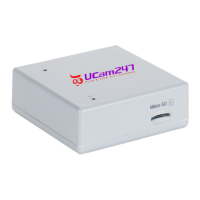
Setting up Your NVR
1. DO NOT power on the NVR yet. Insert your micro SD card (purchased
separately) into the slot on the side of the NVR. Push till 'clicked' into place.
2. Insert the Ethernet cable into the NVR and connect to a spare port on your
broadband router (not your computer).
3. Now connect the power cable. Wait two minutes for the NVR to start up fully.
4. If you have a Windows computer, open a web browser (Firefox, Chrome or
Edge) and in the web address bar type in //NV808/ then the enter/return key. This
will take you directly to the NVR's admin interface.
If you are using a Mac, mobile or tablet then do the following instead:
a) From your mobile/tablet app store download a free app called Fing
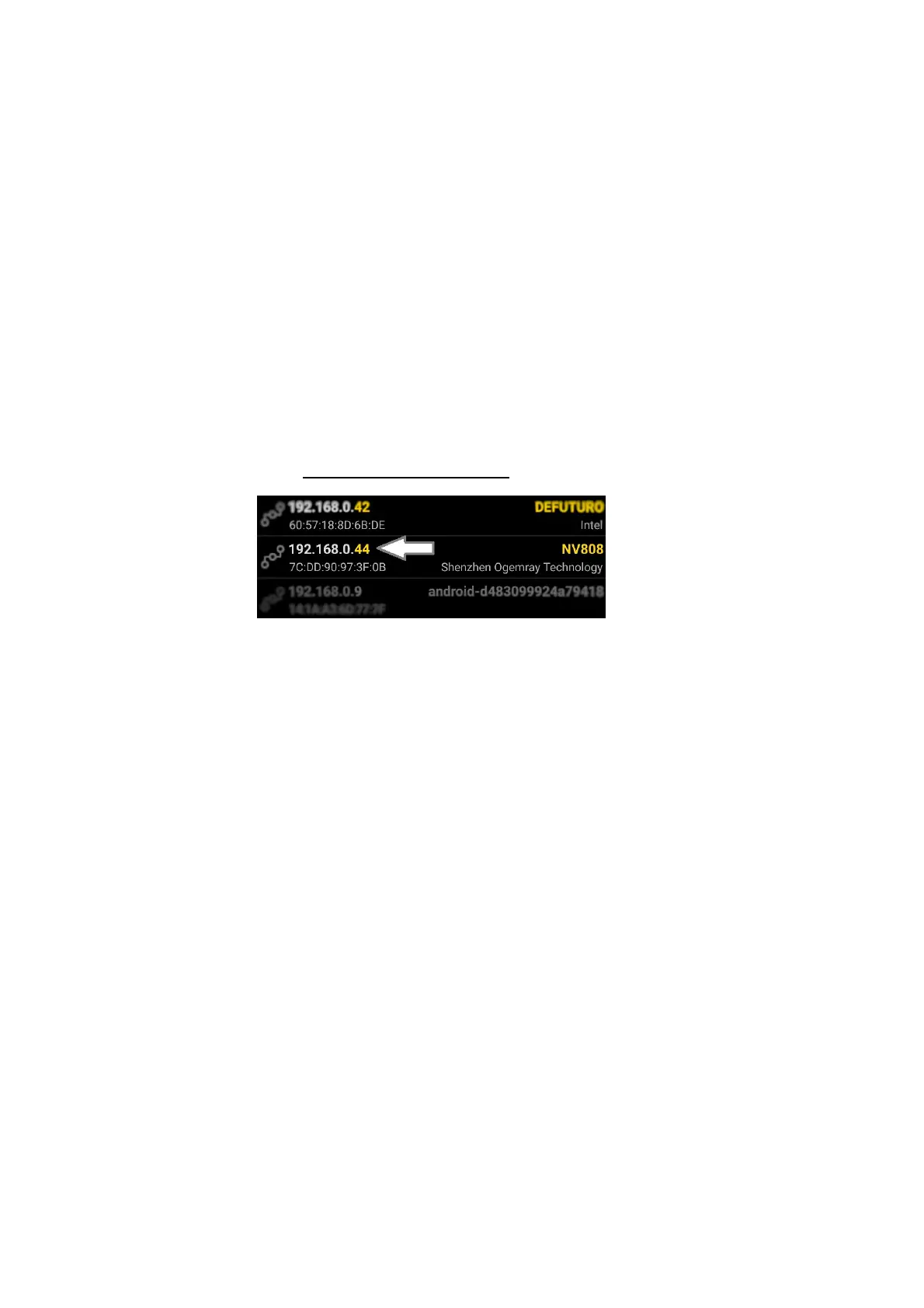
b) Run Fing and make a note of the IP address shown next to NV808
c) Type the IP address into your web browser. E.g. if the IP address shows as
192.168.0.44 then type into your browser http://192.168.0.44 and enter/return.
5. Click Setting and enter the default username (admin) and password (admin).
Both should be in lower case.
6. You now have 2 ways to get the NVR to work over WiFi:
a) Press the WPS button on your router for 5 seconds till it flashes. Now press the
WPS button on your NVR for 5 seconds only. Wait for a couple of minutes and the
NVR should sync over WiFi.
b) Alternatively, in the NVR admin interface click Setting and go to Network >
Wireless Setup. Using Search select your network (SSID) from the list and click
OK. Enter your WiFi (WEP or WPA) key/pasword. Click Apply. You can then
press Test to verify the WiFi details have taken correctly.
Power off the NVR, then remove the Ethernet cable. Power on the NVR again and
wait a couple of minutes for it to connect over WiFi.
8. Repeat steps 4 and 5 to verify the NVR is online again, as the IP address may
have changed after reboot to WiFi.


 To Next Page
 Loading...