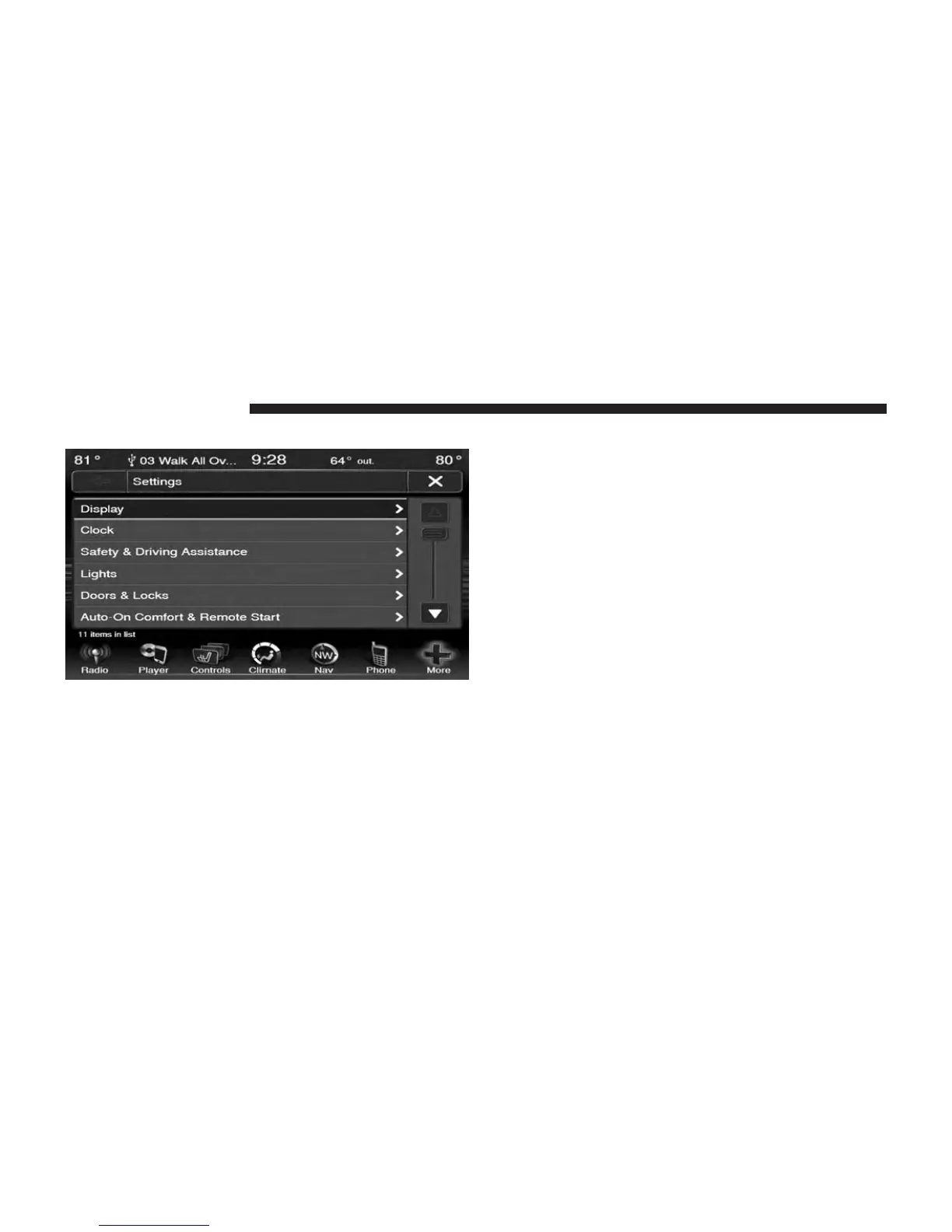
3. Press the Display soft-key to enter the Display Menu
4. The Display Menu shows the following options for
you to customize your display.
• Display Mode
• Display Brightness with Headlights On
• Display Brightness with Headlights Off
• Set Language
• Units
• Voice Response Length
• Touchscreen Beep
• Navigation Turn-by-Turn Displayed in the Cluster
(If Equipped)
• Fuel Saver Displayed in the Cluster (If Equipped)
5. Touch the + or – soft-key to change the Brightness. Or
touch the check mark or empty box to change a
selection.
NOTE: The check-mark indicates the current selection is
active.
6. Touch the X soft-key to exit from the Display Menu
and Settings.
134 Uconnect® 8.4 & 8.4N



 To Next Page