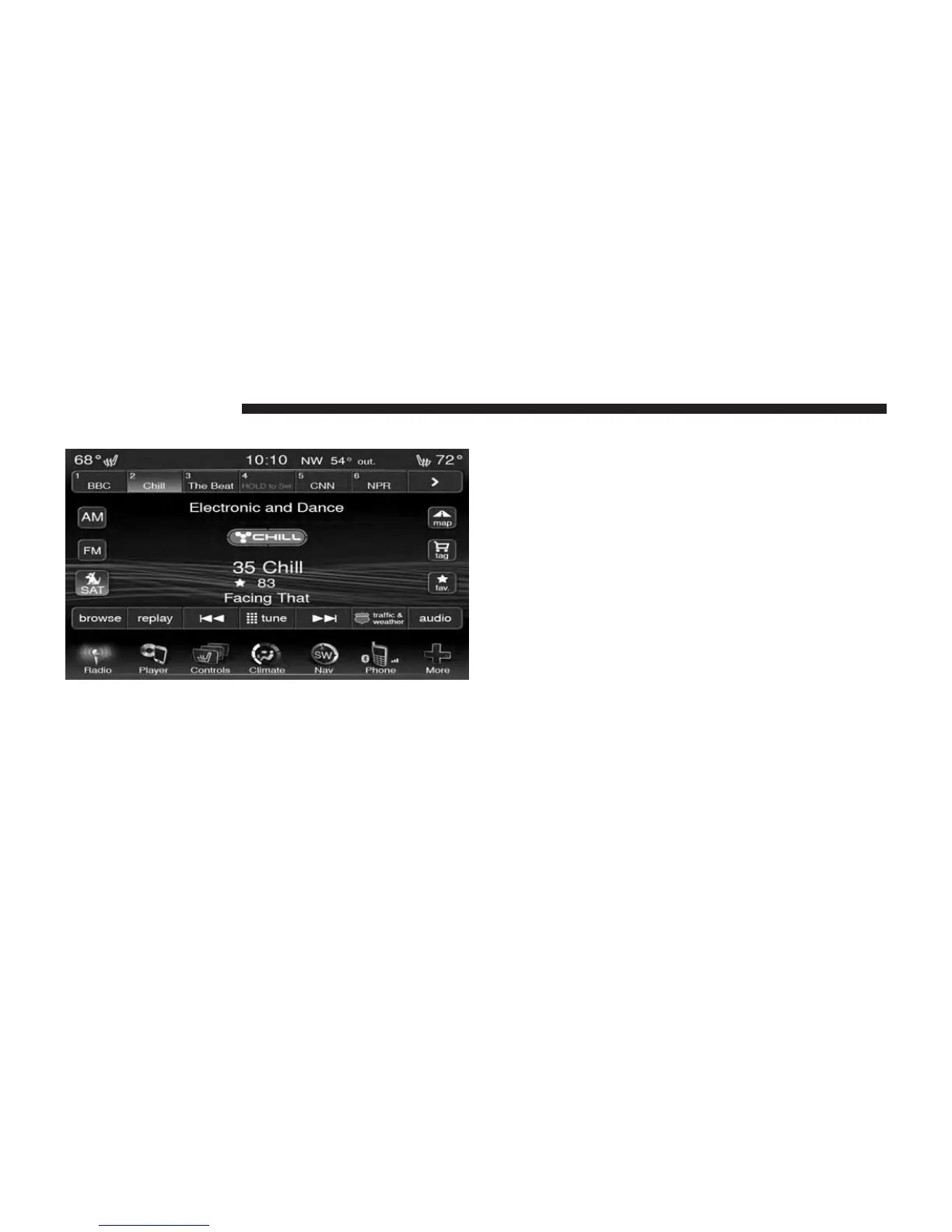
Browse in SAT
Touch the browse soft-key to edit Presets, Favorites,
Game Zone, and Jump settings, along with providing the
SiriusXM™ Channel List.
This Screen contains many sub menus. You can exit a sub
menu to get back to a parent menu by a touch of the Back
Arrow.
All
Touch the All soft-key at the left of the Browse Screen.
Channel List
Touch the Channel List to display all the SIRIUS Channel
Numbers along with the corresponding Genre. You can
scroll the Channel list by touching the up and down
arrows, located on the right side of the screen. Scrolling
can also be done by operating the Tune/Scroll Knob.
50 Uconnect® 8.4 & 8.4N



 To Next Page