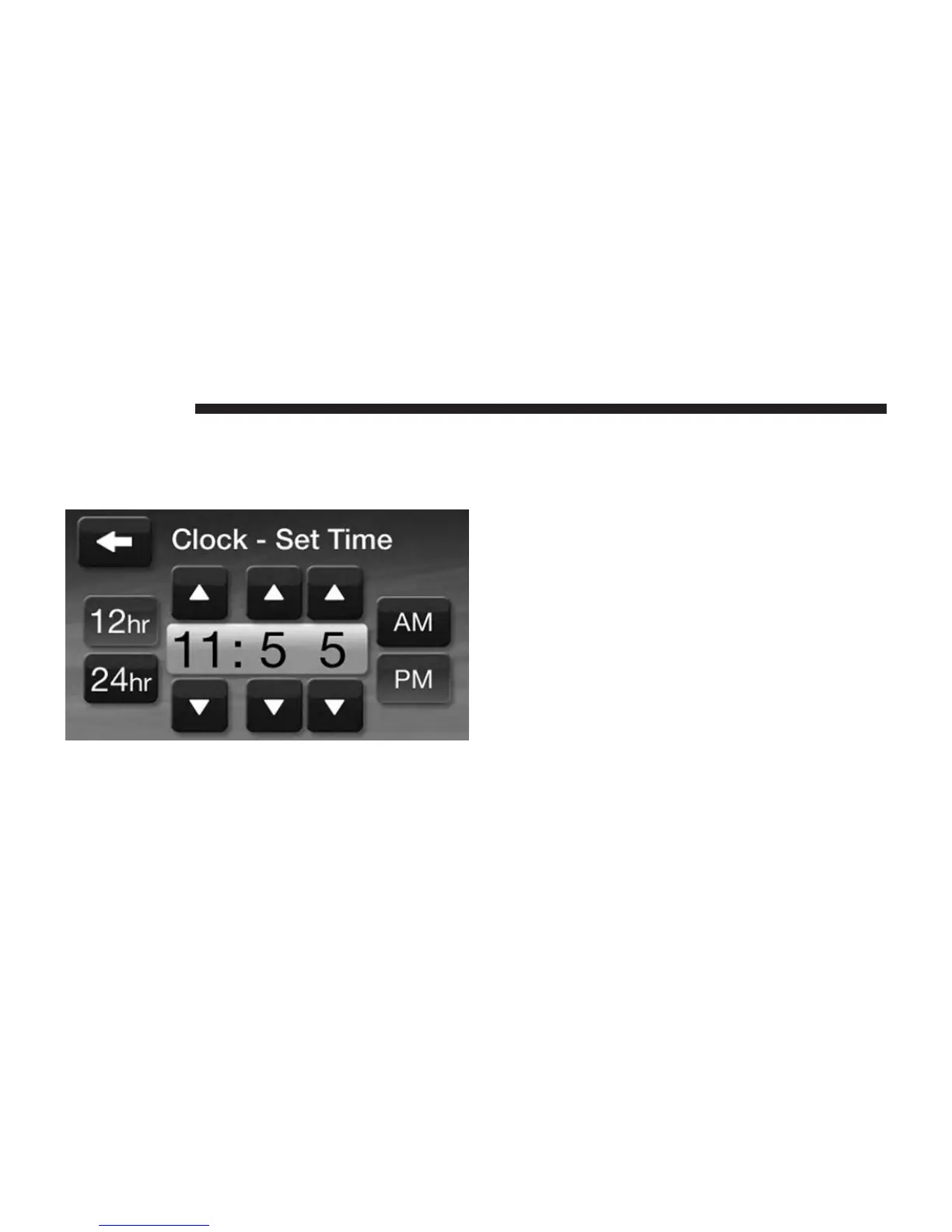
2. Touch the Up or Down arrows to adjust the hours or
minutes, next select the AM or PM soft-key. You can
also select 12hr or 24hr format by touching the desires
soft-key.
3. Once the time is set press the ⬙Done⬙ soft-key to exit
the time screen.
Settings Main Menu
Press the Settings hard-key to display the Settings Main
Menu. The Settings Main Menu contains the following
options:
• Display
Refer to this section for details.
• Clock
Refer to this section for details.
• Safety/Assistance
Refer to ⬙Understanding Your Instrument Panel⬙,
⬙Uconnect® System⬙ section in your vehicle Owner’s
Manual on the DVD for details.
32 Uconnect® 4.3



 To Next Page