• Compass
Refer to ⬙Understanding Your Instrument Panel⬙,
⬙Uconnect® System⬙ section in your vehicle Owner’s
Manual on the DVD for details.
• Audio
Refer to this section for more details.
• Phone/Bluetooth
Refer to ⬙Understanding The Features Of Your Vehicle⬙,
⬙Uconnect® 8.4⬙ section in your vehicle Owner’s Manual
on the DVD for details.
• SiriusXM™ Setup
Refer to the Radio section in this manual for more details.
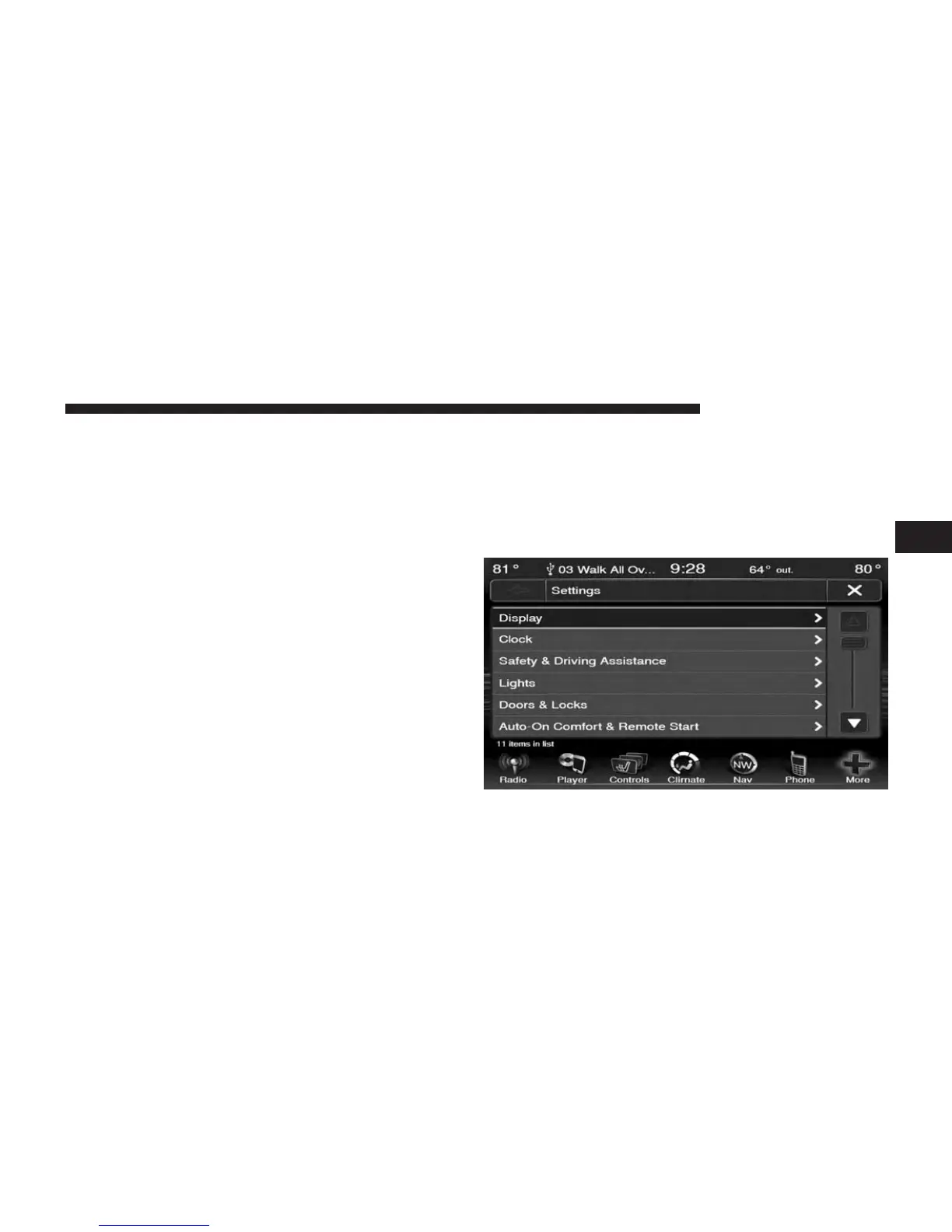
Display
Your Uconnect® display can be customized by following
the steps:
1. Press the More soft-key on the bottom of the screen.
2. Then press the Settings soft-key.
3
Uconnect® 8.4 & 8.4N 133



 To Next Page