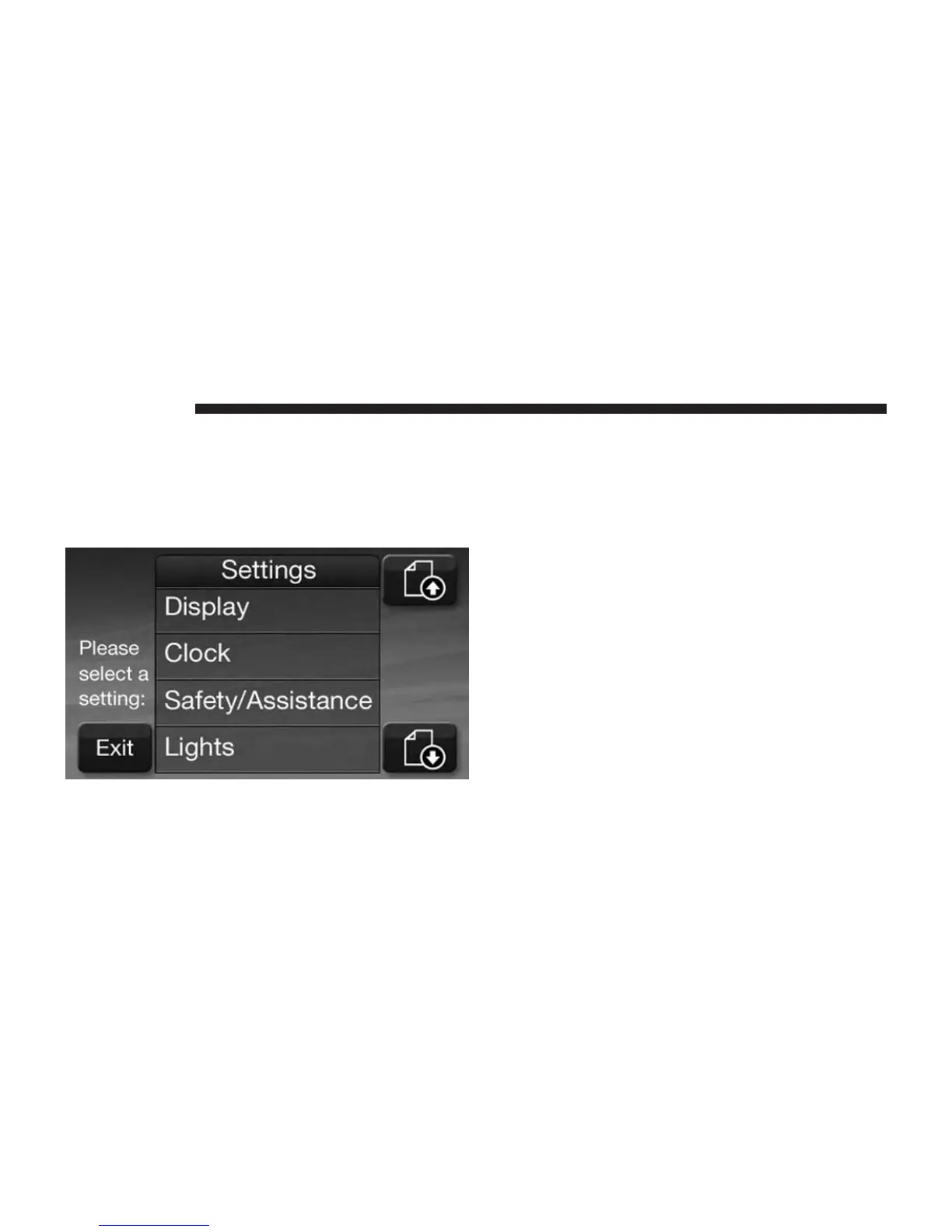
Display
Your Uconnect® display can be customized by following
the steps:
1. Press the SETTINGS hard-key on the right side of the
display.
2. Then press the Display soft-key.
3. The Display Menu shows the following options for
you to customize your display.
• Brightness
Touch the Brightness soft-key and use the + or -
soft-keys to adjust the brightness of the display screen
with the headlights on or off. Press the back arrow
soft-key when done.
• Mode
Touch the Mode soft-key to adjust the display screen
brightness for Day, Night or Auto selection. Press the
back arrow soft-key when done.
34 Uconnect® 4.3



 To Next Page