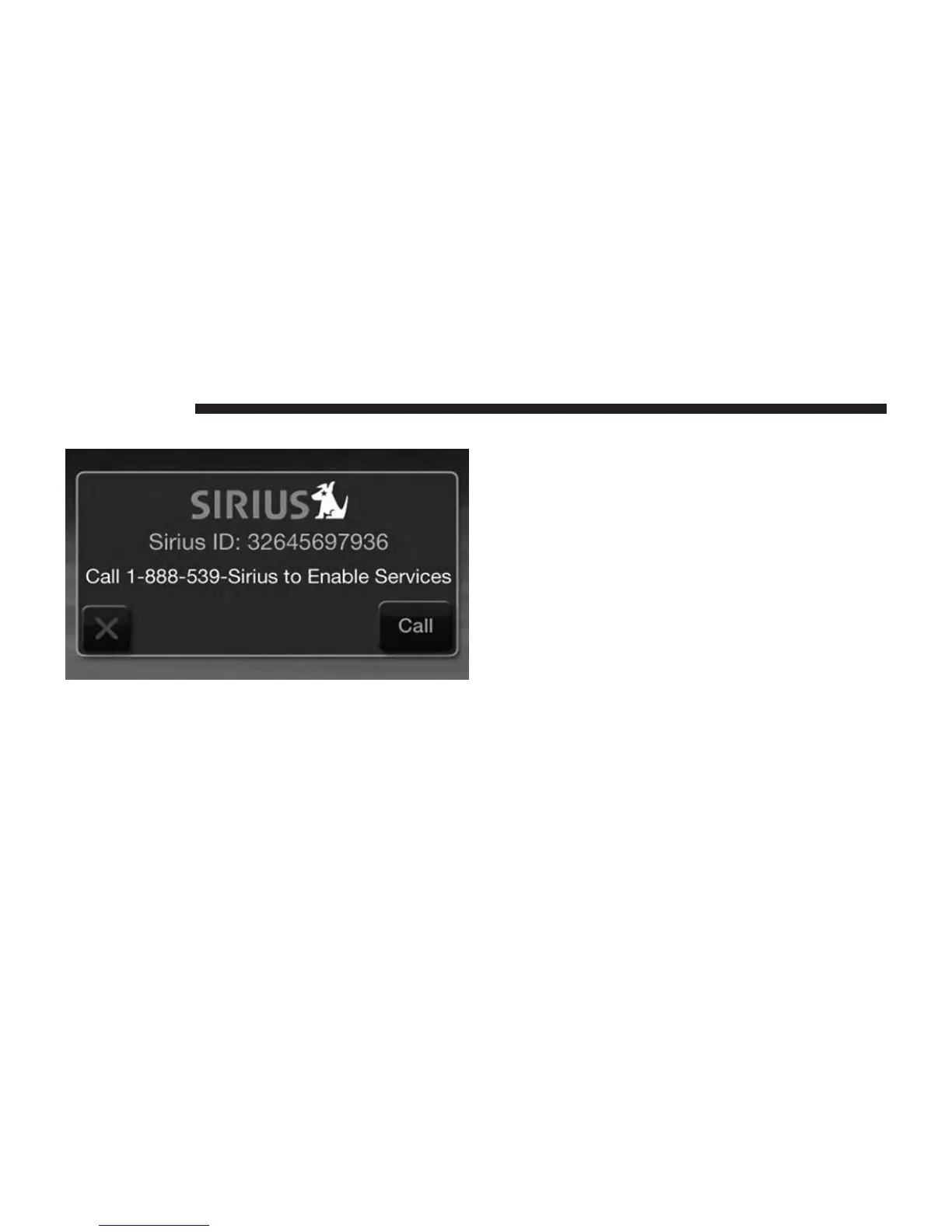
Acquiring SiriusXM™ Subscription
To activate the SiriusXM™ subscription, call the toll free
number on the SiriusXM™ Settings. You will need to pro-
vide the Sirius ID (SID) located on your vehicle’s screen.
The satellite mode is activated by touching the AM/SAT
soft-key located at the bottom of the radio screen. Touch
the AM/SAT soft-key and then touch the SAT soft-key.
When in SiriusXM™ Satellite mode:
• The SiriusXM™ Presets are displayed at the top of the
screen.
• The SiriusXM™ Channel Number is displayed along
with Artist and Song name.
• The SiriusXM™ function soft-keys are displayed on
the bottom.
In addition to the tuning functions common to all Radio
modes, the browse ,info, and more hard-key functions are
available in SiriusXM™ Mode. Touching the more button
slides over the additional functions that are on the second
level of the bottom bar. This second level stays for 10 sec-
onds and then returns to the main top level of the bottom
bar. The second level displays audio, fav, gamezone and
replay buttons.
20 Uconnect® 4.3



 To Next Page