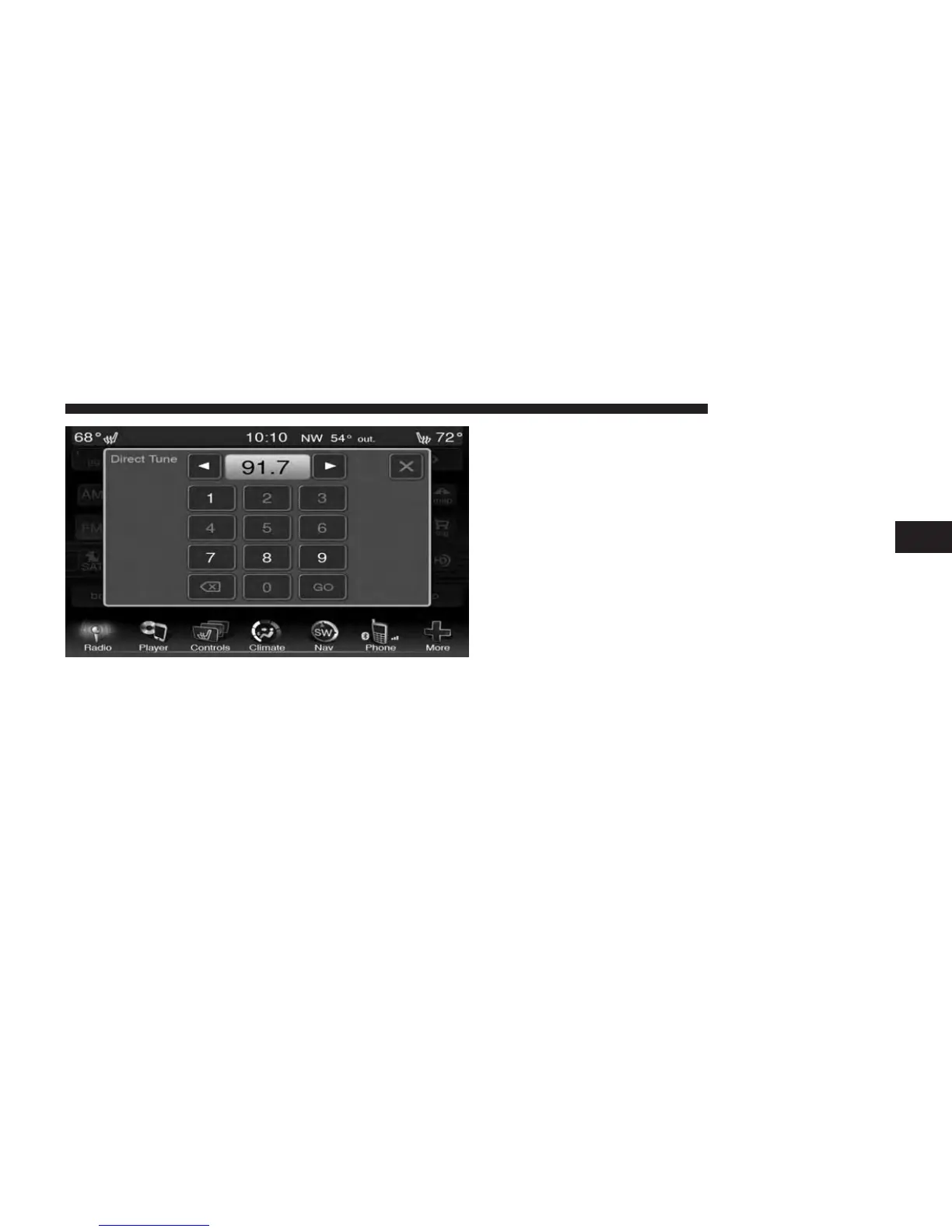
Press the available number soft-key to begin selecting a
desired station. Once a number has been entered, any
numbers that are no longer possible (stations that cannot be
reached) will become deactivated / grayed out.
Once the last digit of a station has been entered, the
DIRECT TUNE screen will close and the system will
automatically tune to that station.
The selected Station or Channel number is displayed in
the Direct Tune text box.
Undo
You can backspace an entry by touching the bottom left
Undo soft key.
GO
When touched, the green GO soft key allows the you to
commit an entry, at which time the radio will tune to the
entered station or channel and close the Direct Tune
Screen.
Screen Close
The Red X Soft key at the top right, provides a means to
close the Direct Tune Screen. The Direct Tune Screen also
auto closes if no activity occurs within 10 seconds.
3
Uconnect® 8.4 & 8.4N 43



 To Next Page