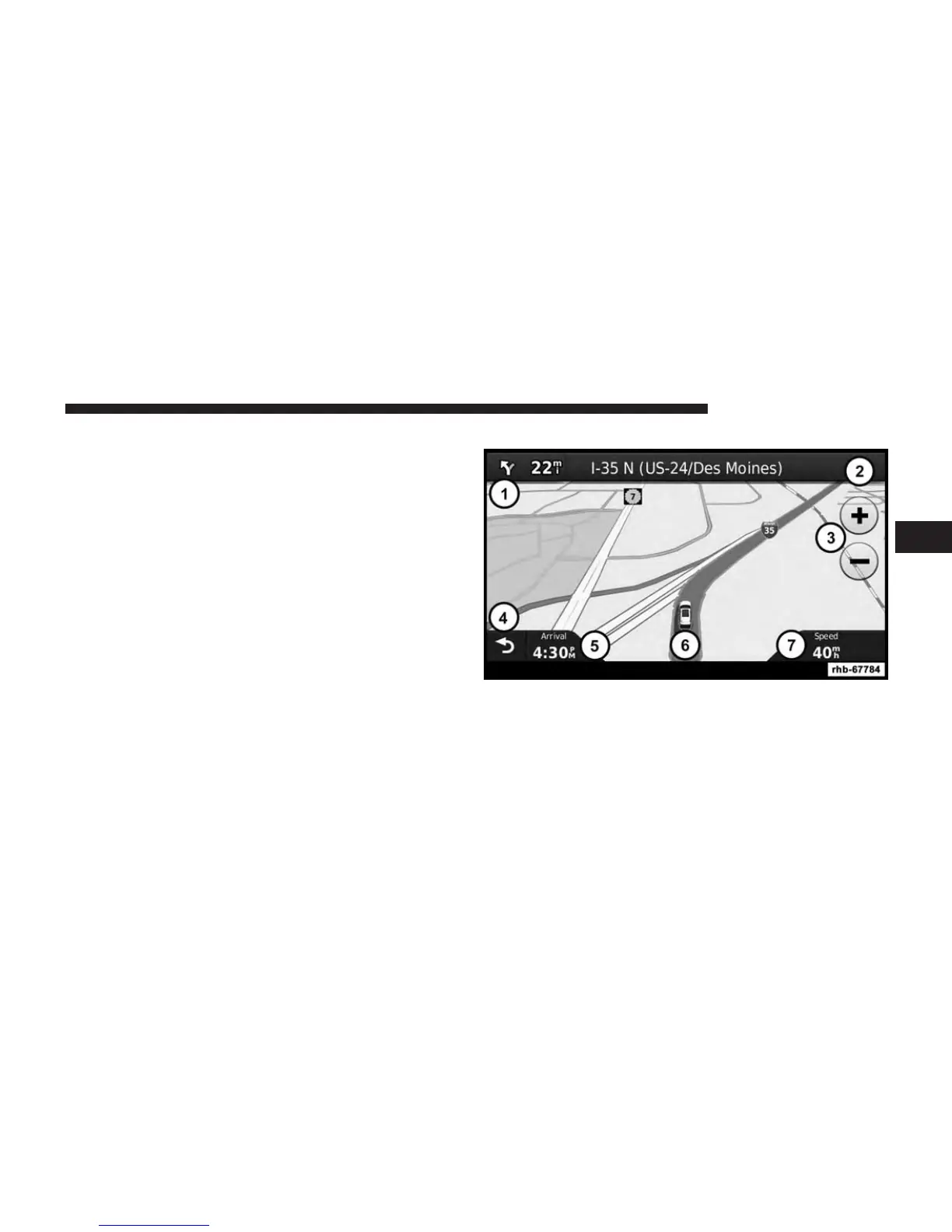
Your route is marked with a magenta line. A checkered
flag marks your destination.
As you travel, your navigation system guides you to your
destination with voice prompts, arrows on the map, and
directions at the top of the map. If you depart from the
original route, your navigation system recalculates the
route and provides new directions.
A speed limit icon displaying the current speed limit may
appear as you travel on major roadways.
Using the Navigation Map
1. Touch to view the next turn.
The turn indicator also tells you which lane you
should be in to prepare for your next maneuver, when
available.
2. Touch to view the turn list.
3
Uconnect® 8.4 & 8.4N 95



 To Next Page