EasyManua.ls Logo

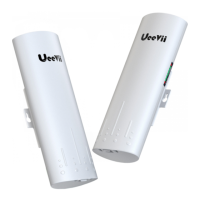
UeeVii CPE-820 - User Manual

UeeVii CPE-820
16 pages
Print Icon
To Next Page IconTo Next Page
Loading...
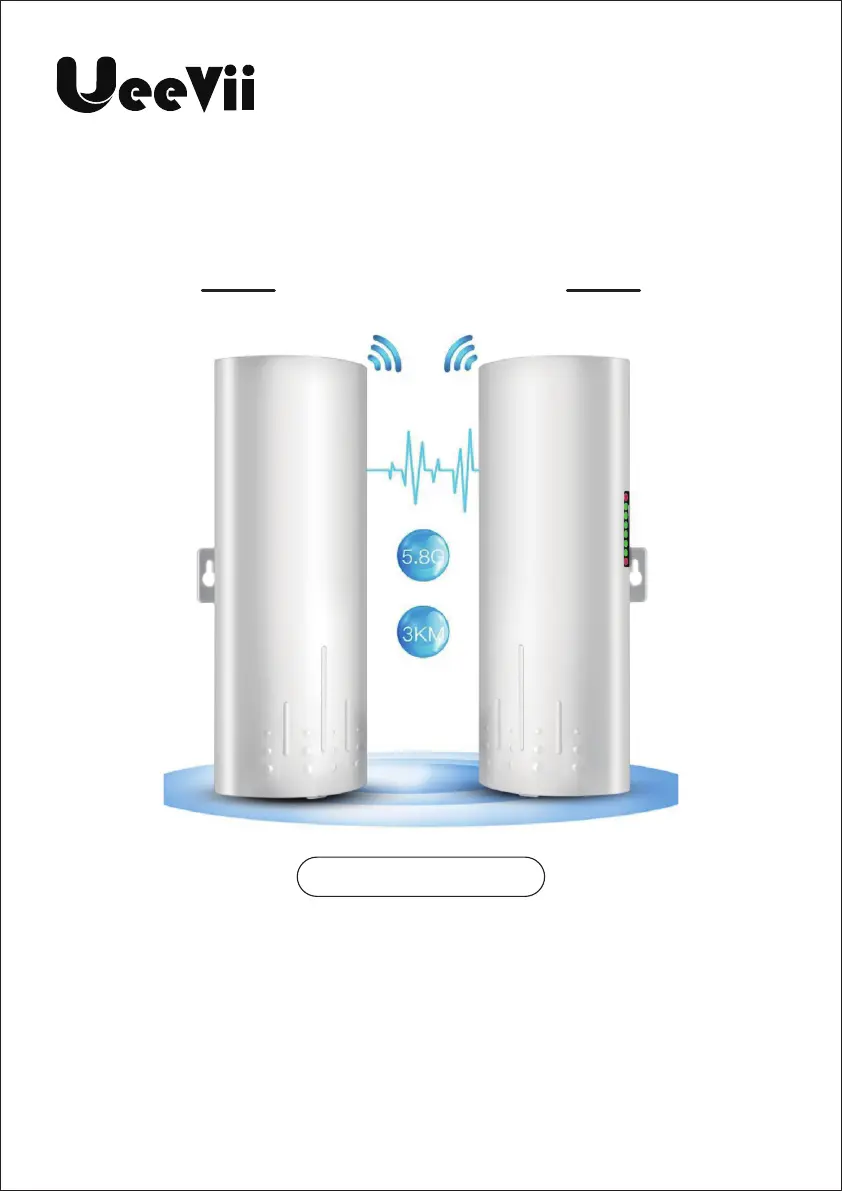
WIRELESS BRIDGE
Tips:
Thank you for ordering and using UeeVii CPE820 Wireless Bridge,
please read the manual carefully before use. If there are any
problems during the use, please contact us in time.
The installation of this device requires some network knowledge. If
you can't install it, please let us know or contact a professional.
Customer Service Email: support@ueevii.com
Model: CPE-820
USER MANUAL

Questions and Answers

  • J
    James WoodJul 29, 2025
    What to do if I can't login to the WEB interface of my UeeVii Network Hardware?
    • J
      Jeffrey ReynoldsJul 29, 2025
      If you can't log in to the WEB interface of your UeeVii Network Hardware, here's what to check: 1. Ping 192.168.188.253 to check the connection status, as your local IP might not be in the same network segment as the CPE. 2. Ensure that the IP address isn't being used by another device. If it is, stop the other device or change to another IP address. 3. Check your LAN connection and Ethernet cable for any issues. 4. Clear your browser's cookies and run arp -d to clear the MAC address.
  • K
    Kelsey BerryAug 6, 2025
    How to fix packet latency on UeeVii CPE-820?
    • N
      Nicole CruzAug 6, 2025
      If you are experiencing packet latency with your UeeVii Network Hardware, consider the following: * Use WiFi analysis to choose the best channel to avoid wireless interference. * Ensure the CPE is within the normal distance and avoid walls. * Adjust the angle of the CPE according to the signal strength.
  • J
    Jessica CantuAug 14, 2025
    What to do if the system LED light is off on my UeeVii Network Hardware?
    • S
      samanthamoralesAug 14, 2025
      If the system LED light is off on your UeeVii Network Hardware, check these items: * Verify that the PoE adapter or PoE switch is working correctly. * Check the CPE's PoE port to ensure it is functioning. * Make sure the Ethernet cable is not loose and is plugged into the PoE port. Also, check for correct power current/voltage.
  • C
    Carla Peterson DDSAug 21, 2025
    How to reset the password for UeeVii CPE-820 Network Hardware?
    • M
      Morgan BassAug 21, 2025
      If you're entering the wrong password for your UeeVii Network Hardware, here are some things to try: * If you've forgotten the password, reset the bridge by pressing the "RST” button for 10 seconds. The default password is 'admin'. * Double-check that you are inputting the password correctly. * Clear your browser's cookies and run arp -d to clear the MAC table. * Remember that the WEB access username and password is 'admin'.

Summary

Specifications

Quick Start Guide

PoE Power Supply Setup

Explains the use of PoE power supply for the CPE820 and connection steps.

Point-to-Point Pairing

Step-by-step guide for pairing two CPE820 units in point-to-point mode.

Advanced Setup and Installation

Point-to-Multipoint Pairing

Step-by-step guide for pairing one master with multiple slave units.

Physical Installation

Instructions on how to physically install the CPE820 device at the desired location.

WiFi Function and Application Cases

Configuring WiFi

Details on configuring and using the WiFi capabilities of the master bridge.

Advanced Settings and Computer Access

Web Login and WiFi Configuration

Instructions for logging into the device and modifying WiFi SSID/password.

Troubleshooting Common Issues

UeeVii CPE-820 Specifications

General IconGeneral
BrandUeeVii
ModelCPE-820
CategoryNetwork Hardware
LanguageEnglish

Related product manuals