4
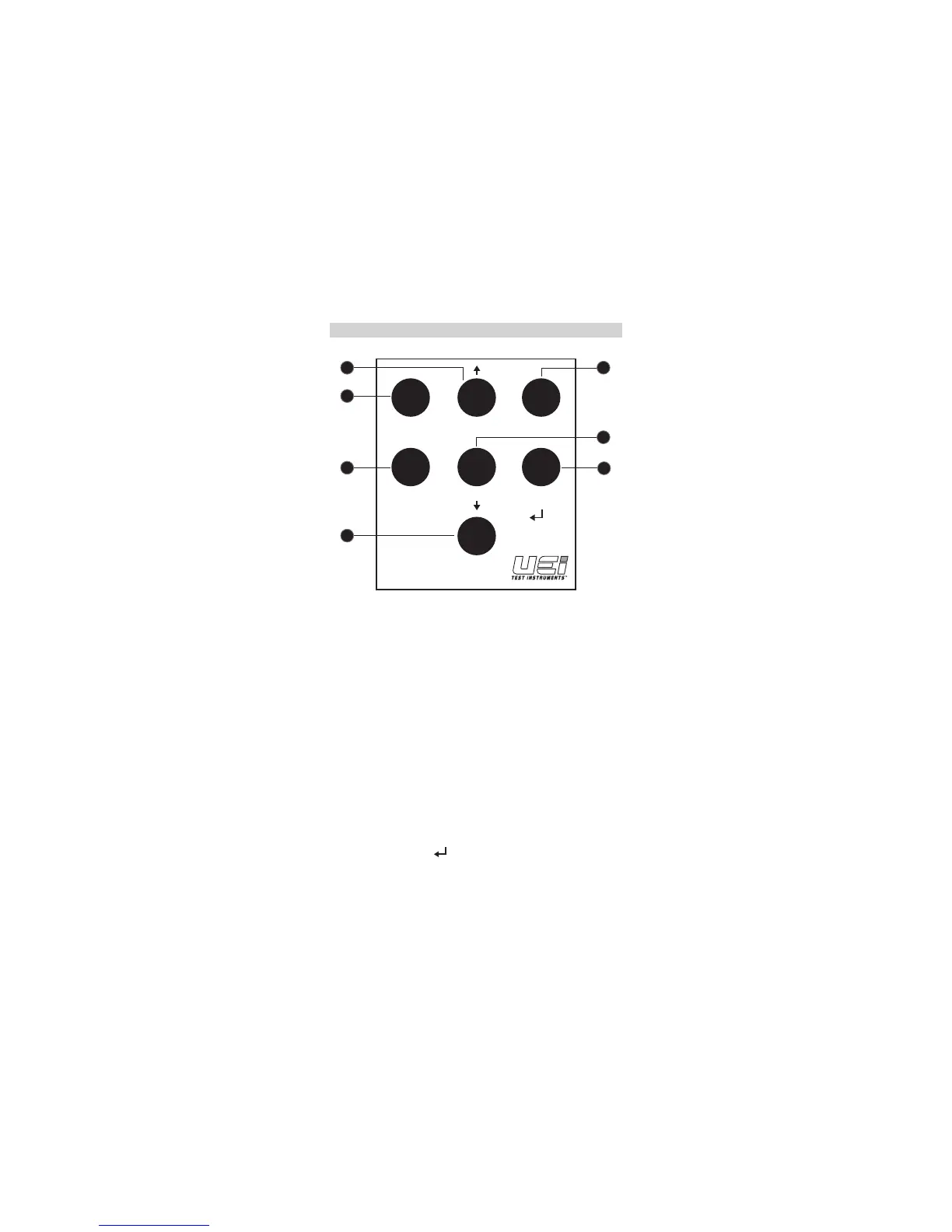
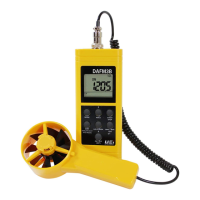
CONTROLS AND INDICATORS
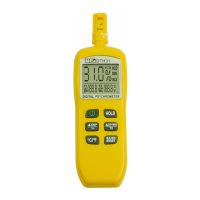
1. On/Off (Setup): Press briefly to power meter on. Press and hold
to turn the meter off.
• Note: When the meter is OFF, press more than two seconds
to enter SETUP mode.
2. HOLD: Freezes display reading for current parameter
3. MODE: Press to scroll through available measurements of
velocity, air flow, ambient temperature, relative humidity,
wet-bulb temperature, and dew point temperature.
4. EXIT: Use to exit setup.
• Note: Press and hold to exit timed average display
5. START/STOP: Press to begin air volume timed average. Press a
second time to pause timed average.
6. LW-D-AREA: Press when setting up area for calculation of air
volume. Pressing repeatedly scrolls through the three options.
(LW-Length/Width, D-Diameter, A – Area)
7. MIN/MAX AVG ( ): Press to display minimum or maximum
values for any measurement. Press when in timed average air
volume to display average, minimum or maximum air volume.
[HOLD TO EXIT
AVG MODE]
START/
STOP
HOLDMODE
EXIT LW-D-AREA
ON / OFF
(SET)
MAX / MIN
AVG
7
3
4
5
6
2
1
www.GlobalTestSupply.com
Find Quality Products Online at: sales@GlobalTestSupply.com


 To Next Page