Image 4-14: Monitor
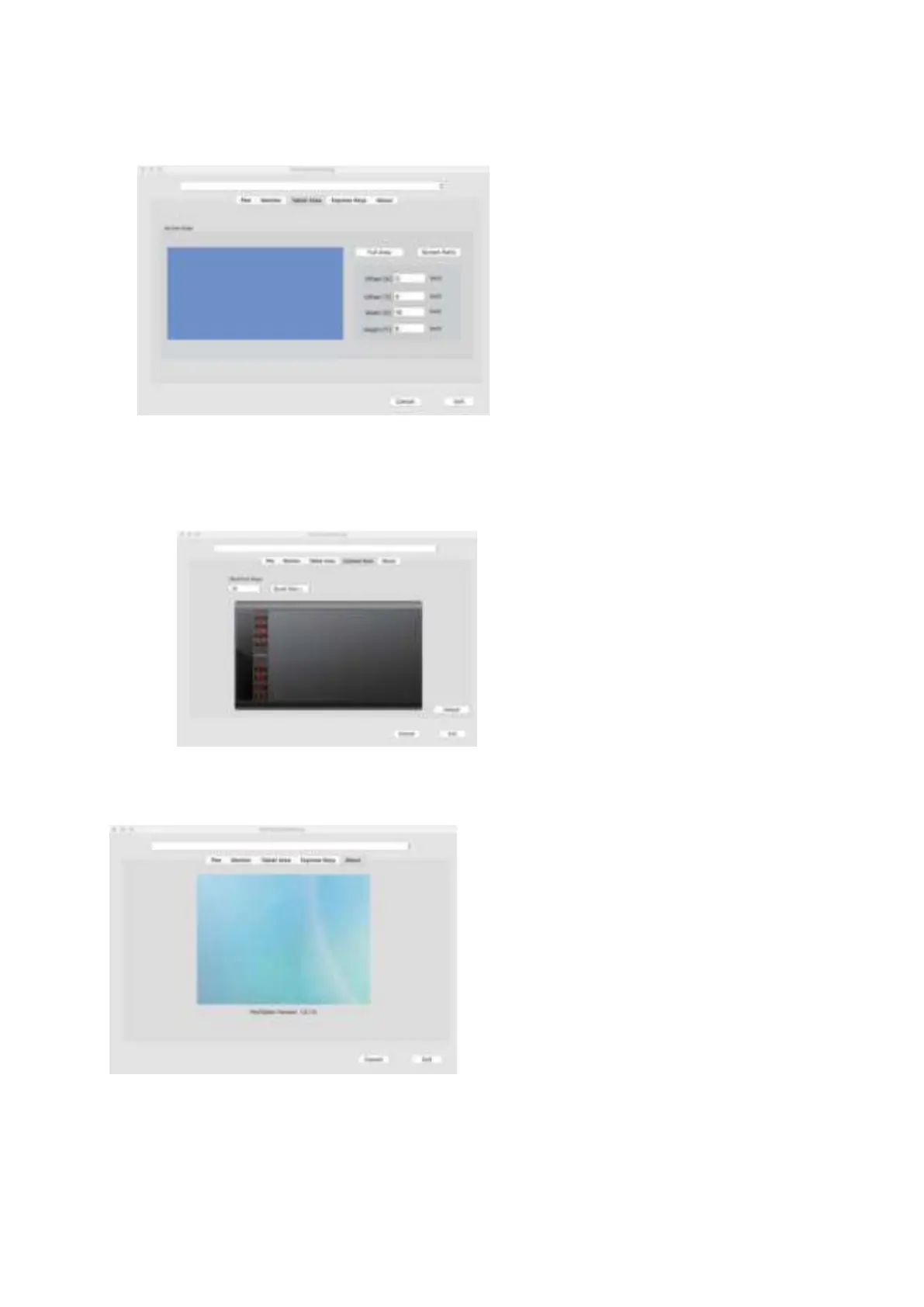
1.3. Tablet Area
You may adjust your pen tablet's on-screen active area in this tab. "Full Monitor" automatically selects the largest possible active
area.
"Screen Ratio" adjusts the pen tablet's on-screen active area to match your
monitor's resolution.
Image 4-15:Tablet Area
1.4. Shortcut
Keys
In the
Shortcut
Keys tab, you may choose your preferred functions for the M708's shortcut keys. Use the "Reset Customer Defined" option
to program custom keystrokes.
Image 4-16: S
hortcut
Key
1.5.
About
This tab displays the current version of your driver software.
Image 4-17: About
{V. Driver Uninstall}
Windows
In the Start menu, open [Settings] ---> [Apps & features] . Find "Pentablet " and click "Uninstall." Follow the on-screen
instructions.


 To Next Page