6
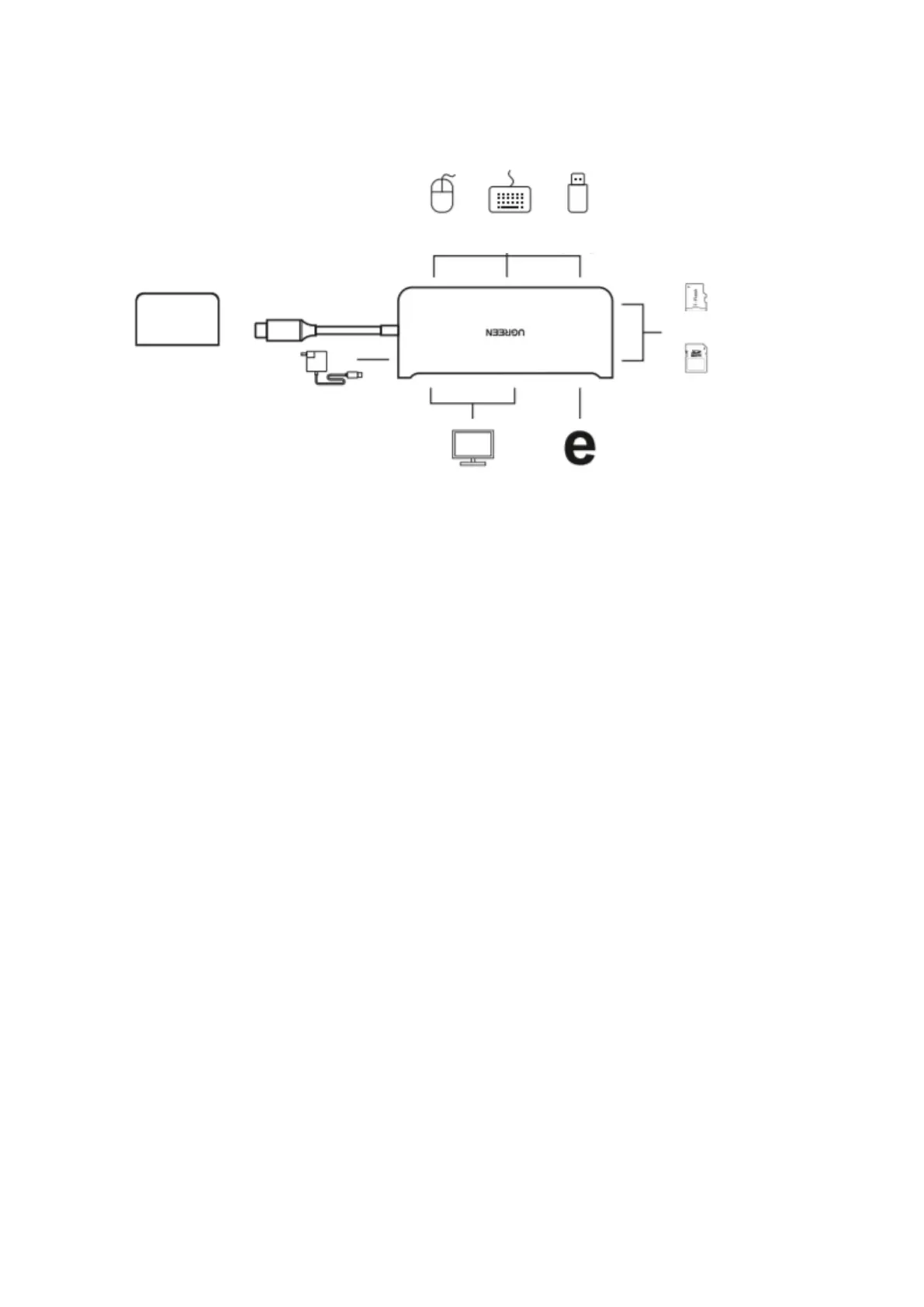
How it works
40873
Open „System Preferences“>> Click „Displays“>> Select „Arrangement“>> Check the „Mirror
Displays“ to set the display to Mirror mode.
Open „System Preferences“>> Click „Displays“>> Select „Arrangement“>> Uncheck the
„Mirror Displays“ to set the display to Extend mode.
Notes
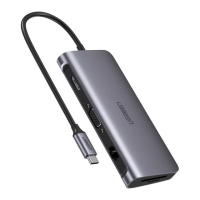
1. HDMI and VGA ports cannot be used simultaneously.
2. Use your MacBook original power adapter to charge this unit and your MacBook
through the USB-C PD power port.
3. USB-C power port can be only used for power supply.
4. Audio is not supported over the VGA port.


 To Next Page