Need help?
Do you have a question about the UGREEN CM656 and is the answer not in the manual?
Verify the presence of the Bluetooth icon in the Device Manager to ensure proper adapter recognition.
Disable the computer's internal Bluetooth adapter via Device Manager to prevent conflicts.
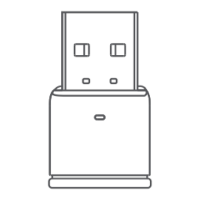
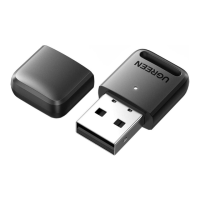
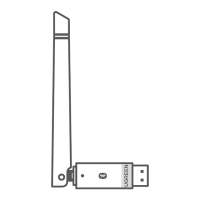
Connect the Bluetooth 5.3 adapter to a USB port on your computer. No driver installation is needed.
Initiate device pairing by right-clicking the taskbar icon or navigating through Start > Settings > Devices.
Select 'Add Bluetooth or other devices' to scan, then choose your device from the list to complete pairing.
Troubleshoot a missing Bluetooth icon by checking for other Bluetooth devices and notification area settings.
Resolve device discovery issues by ensuring Bluetooth support, pairing mode, proximity, and adapter connection.
Understand that the adapter supports 5 devices, but only one Bluetooth audio output device can work simultaneously.

 To Next Page
 General