3
Ⅱ. Use and Connect
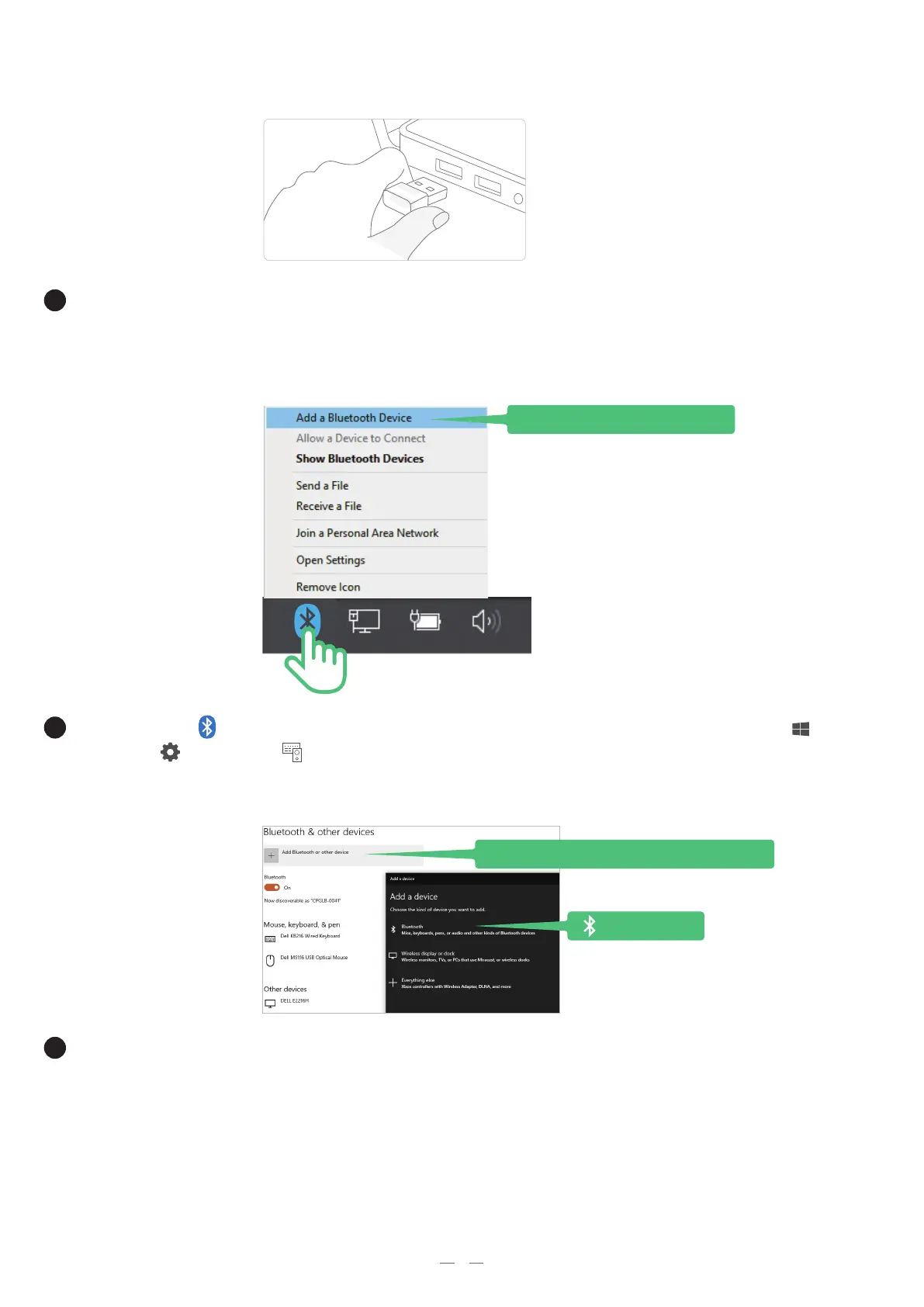
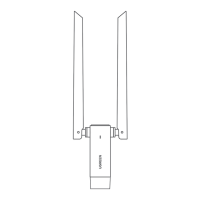
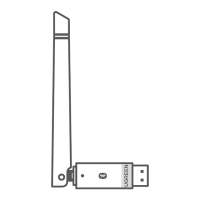
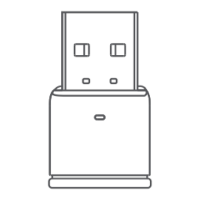
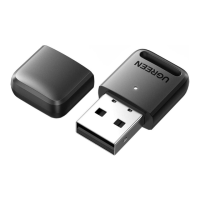
Plug the Bluetooth adapter into the USB port of the computer.
Note: This adapter only supports Windows 8.1/10/11 and has no need to install drivers.
Right-click the in the task bar and choose "Add a Bluetooth Device" or select "Start" >
"Settings" > "Devices" .
-
1
-
Select "Add Bluetooth or other devices" to scan for available devices. Please
ensure the Bluetooth of the device is turned on.
Add Bluetooth or other device
Add a Bluetooth Device


 To Next Page