2
Ⅰ. Before Use
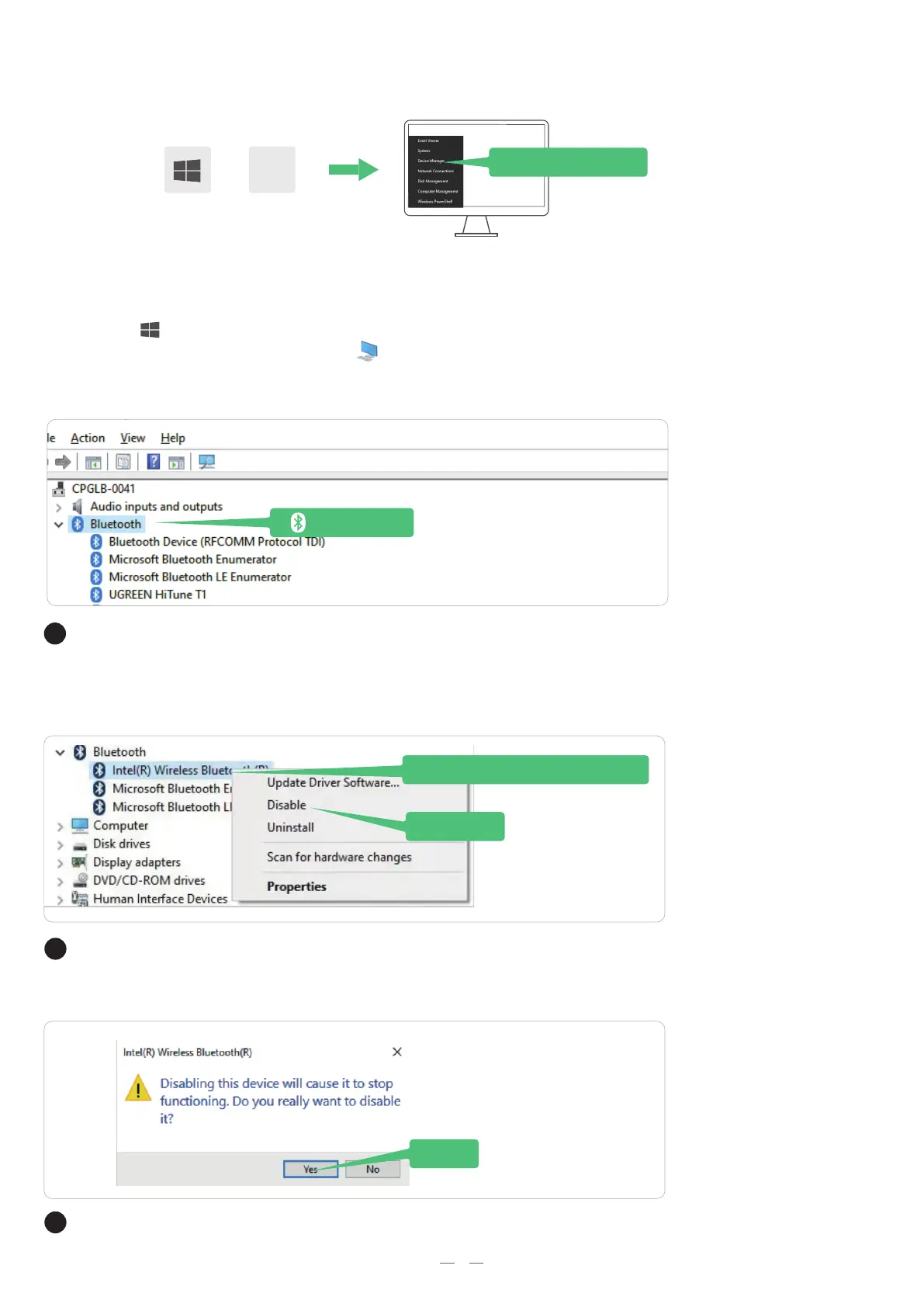
Press the " Windows"+ "X" to select "Device Manager" from the menu that appears.
Tip: You can also right click "This PC" > "Manage" > "Device Manager"
X
+
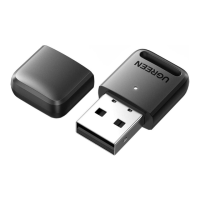
Please ensure to disable internal Bluetooth before plugging the adapter into your
computer.
Disable
Intel(R) Wireless Bluetooth
Device Manager
Bluetooth
Yes
If so, double-click
If not, go to "Ⅱ. Use and Connect "
Check if there is a "Bluetooth" icon in the "Device Manager"
Then right click on "Intel(R) Wireless Bluetooth" and select "Disable device".
Default Bluetooth: Generic Bluetooth Radio, Intel(R) Wireless Bluetooth (R).
Click on "Yes" to disable the internal Bluetooth.


 To Next Page