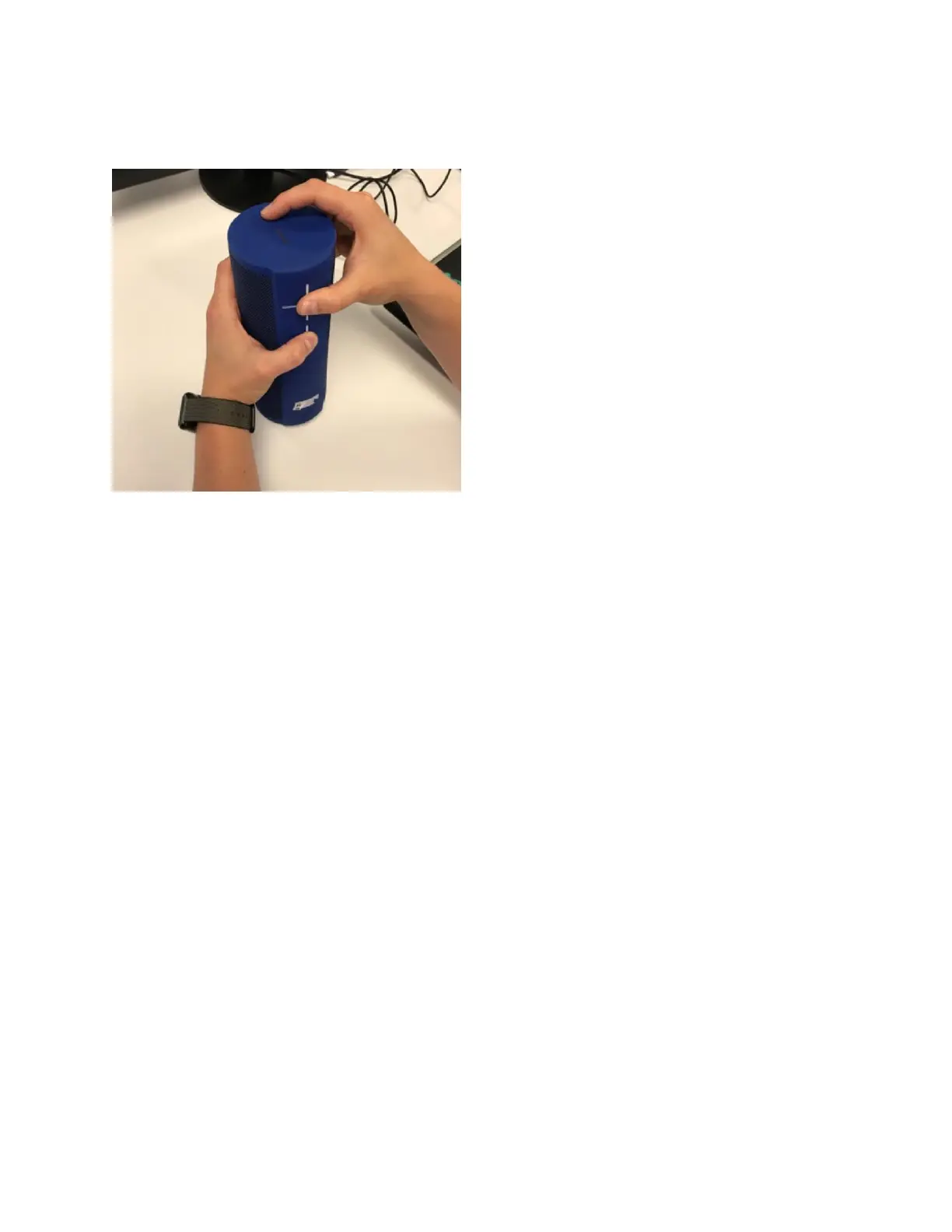
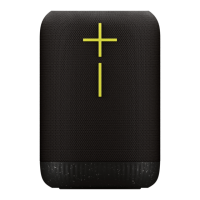
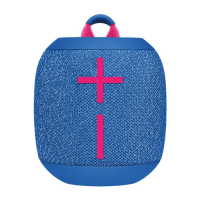
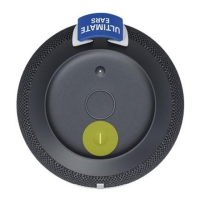
1. Briefly press the “-“ (volume down), “+” (volume up) and small action/Bluetooth buttons at the same
time (See picture below).
2. Next, press the large power button on the speaker and it will turn back ON.
Note: it may take a few moments for the speaker to reconnect to Alexa or repair to your mobile device.
3. After resetting the speaker, it’s highly RECOMMENDED that you use the Ultimate Ears app (available
from the app stores for iOS and Android) to check for available firmware updates for your speaker. To
do this, launch the app > tap on the settings icon > scroll to the bottom of the screen and press “Check
for Updates.” (Depending on the version of the app you may need to disable Automatic Updates before
you can manually check for updates. If prompted, follow the instructions to update your speaker’s
firmware.



 To Previous Page