Check the Ultimate Ears app — tap the Gear icon to get to speaker settings
and find the Amazon Alexa section. Tap to Sign-in or see what account is
associated to your speaker.
Check your Alexa app and see if your speaker is online.
Ask Alexa — Say “Alexa, whose account is this?” and she will tell you which
account is connected.
Do I need to run the Alexa app in the background?
The Alexa app can be used to manage your devices, Alexa Skills, and more, but it
doesn’t have to be running in the background on your phone for the speaker to
work.
Alexa-supported music services
Amazon’s Echo devices support different services from other brands such as
Ultimate Ears.
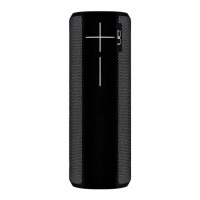
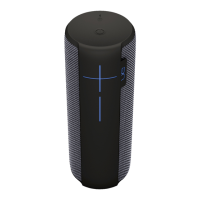
Currently, Ultimate Ears BLAST and MEGABLAST support the following music
services:
Amazon Prime Music
Amazon Music Unlimited
TuneIn (US, UK and Germany)
iHeartRadio (US)



 To Previous Page