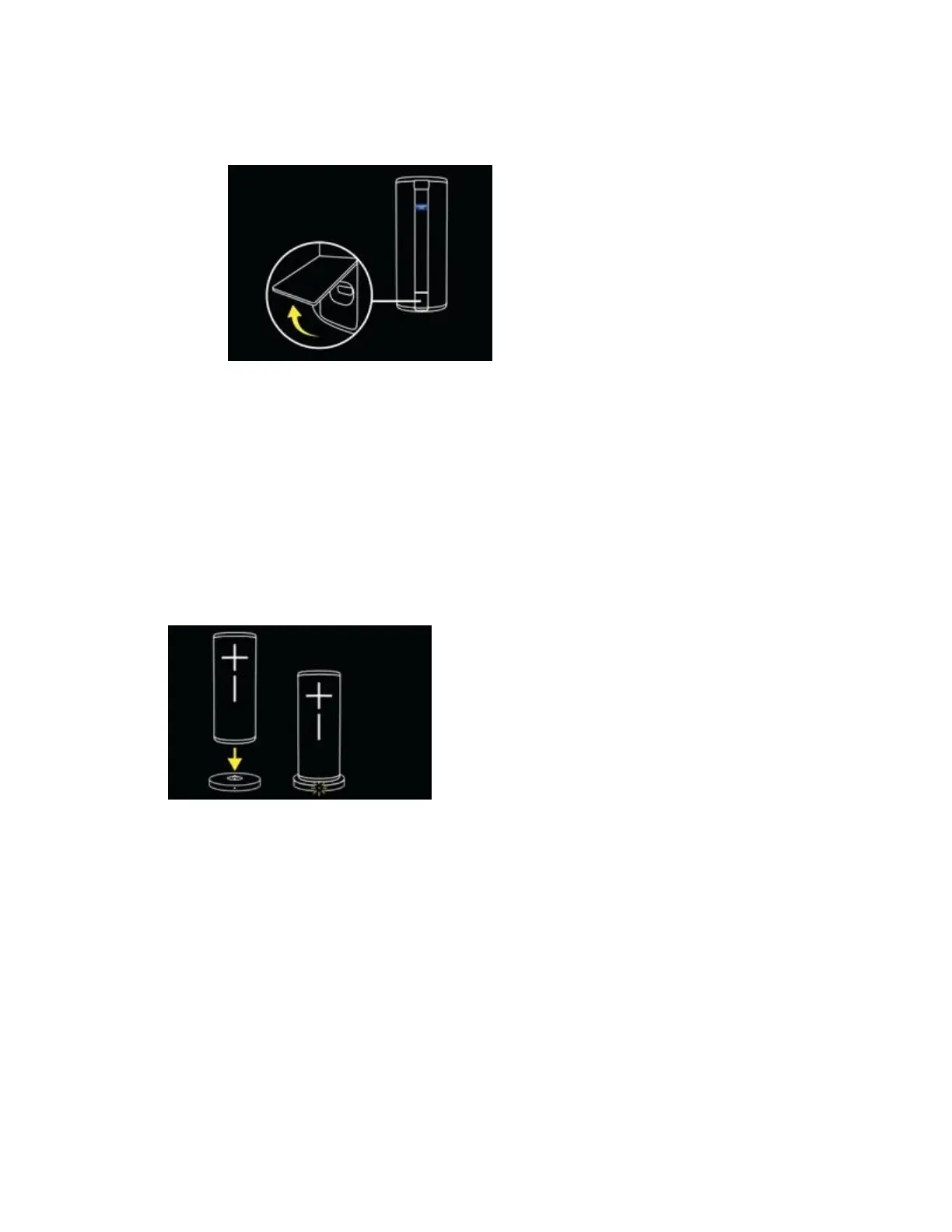
3. A white LED next to the micro USB charging port will illuminate and pulse
while the speaker is charging. Once it is fully charged, the LED will be solid
white.
Charging using Power Up charging dock
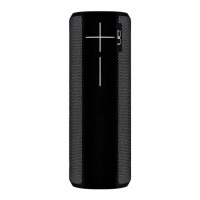
1. Connect your Power Up charging dock to a wall outlet using the included
USB cable and a power adapter.
2. Place the speaker on the charging dock. Make sure you see the LED blinking
to indicate that the speaker is properly charging. When the speaker is fully
charged, the LED will stop blinking and stay ON.
3. Be sure that the micro-USB port and the charging ring at the bottom of the
speaker are both clean and dry before charging.



 To Next Page