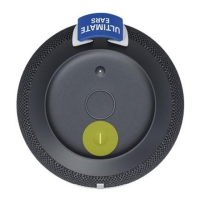
1. If the guest speaker is not set as a public speaker, you will see a message with an extra step
before that guest speaker can join the party. The owner of that speaker will need to press
the Bluetooth buon twice on their speaker.
2. If the guest speaker’s Bluetooth Standby is turned o, it cannot be found in the PartyUp
drawer.
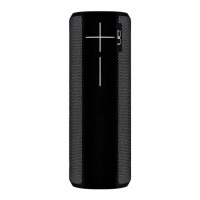
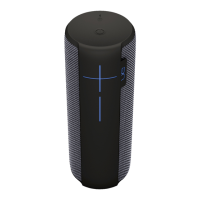
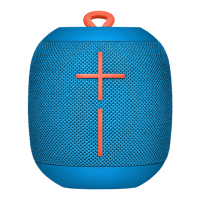
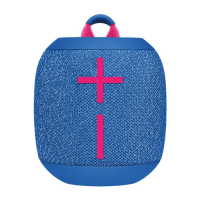
The following speakers can join the party:
• ULTIMATE EARS BOOM 3
• ULTIMATE EARS BOOM 2
• ULTIMATE EARS MEGABOOM 3
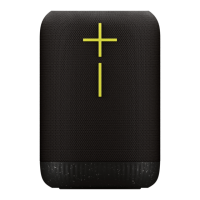
• ULTIMATE EARS EPICBOOM
• ULTIMATE EARS HYPERBOOM
Volume control in PartyUp Mode
When your speakers rst enter the party, the volume of each guest speaker will sync up to the
volume of the host speaker. If the volume of the host speaker is adjusted, the volume of all host
speakers will also be adjusted. The volume of each guest speaker can also be adjusted individually on
the speaker. If you want the volume of all speakers in the party to sync up again, you can tap the
volume sync icon in the PartyUp screen of the app.
Public sengs
The privacy seng in the PartyUp Sengs allows you to control your speaker’s privacy and visibility. If
you want your speaker to be able to join any party, make sure the seng is ON. If you’d rather keep
your speaker hidden, turn the seng o. But don’t worry, if you sll want to join a party, just double
tap the Bluetooth buon once the host asks your speaker to join the party.


 To Previous Page