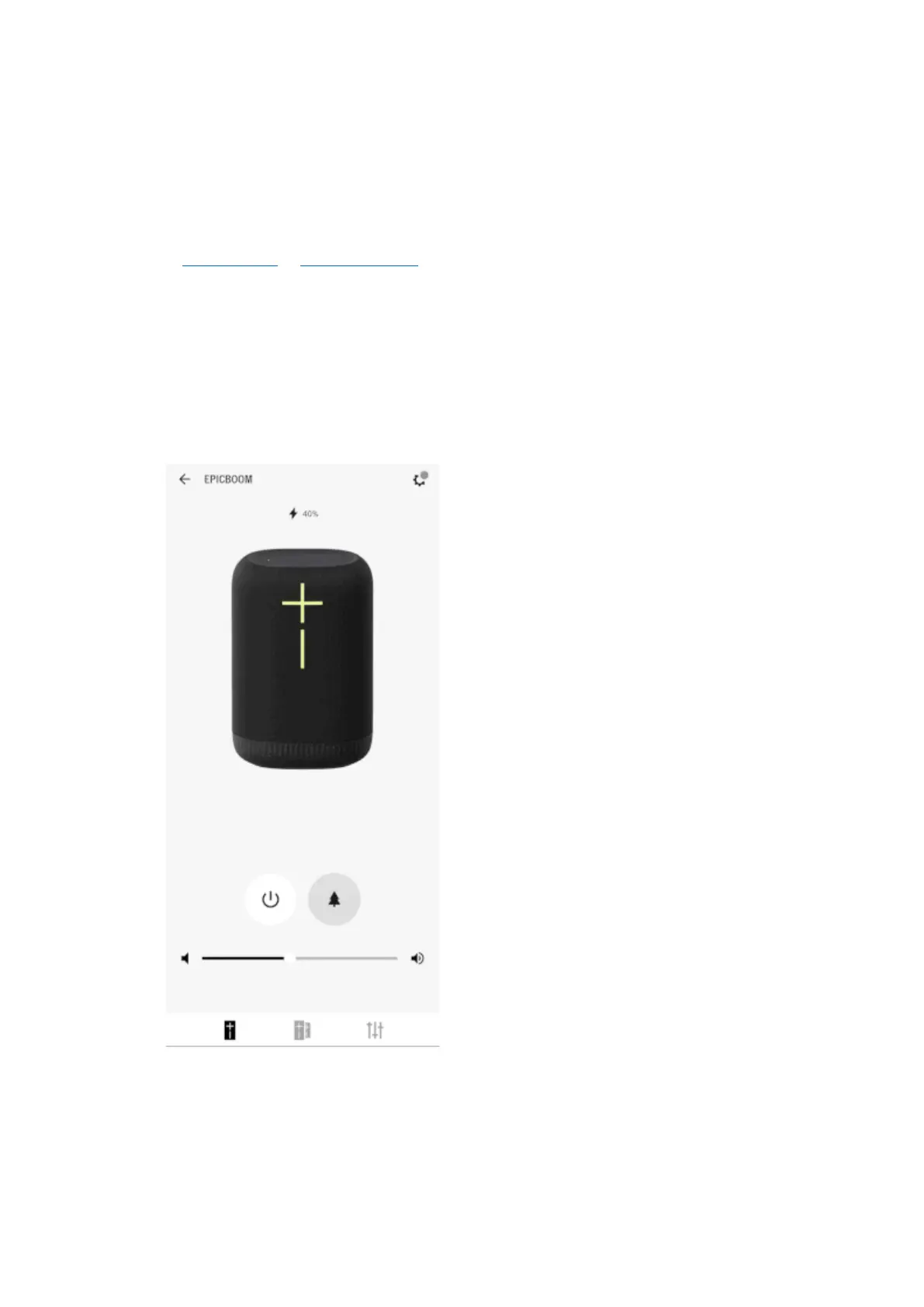
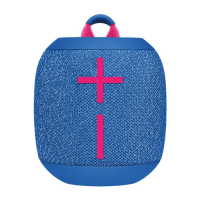
3. Open the app once it’s installed. You’ll see a screen with your speaker name, speaker image,
the features available for your speaker, and access to speaker sengs. You are now ready to
use the app to take advantage of all the features of your speaker.
PartyUp
To join the party, you’ll need to rst get the latest and greatest app and rmware for your speakers.
Check the iOS App Store or GooglePlay Store for the latest app update. Once you have the latest app,
you can update your speaker rmware through the app via OTA (over-the-air). Once you have the
latest app and speaker rmware, follow the steps below:
1. Connect the rst “host” speaker to your phone or tablet, then open your Ulmate Ears
BOOM app.
2. On the home screen of the app, switch to the PartyUp screen.
3. “Guest” speakers will start to appear in the drawer (boom of the PartyUp screen). Drag and
drop the guest speakers you want to join the party.
4. To boot a guest speaker from the party, drag and drop it back into the drawer or just turn it
o.
NOTES:


 To Next Page