www.ultraoptics.com page 11
Inspect complete vacuum chuck
assembly for dried coating or debris
Clean the deionized water reservoir
Weekly, when the water level gets
low, dump the remaining water and
wipe/clean the reservoir with a lint-
free cloth.
Replace all three if:
needle points to “change”
filters are moist/dirty
every six months
Wipe down entire cabinet exterior
Use a lint-free cloth to remove any
dust, debris, polish residue, etc.
Primary capacitor to read 20 µf
Hold tissues over openings and
confirm the tissue blows out, away
from the machine. Hepa fans should
be on high setting at all times.
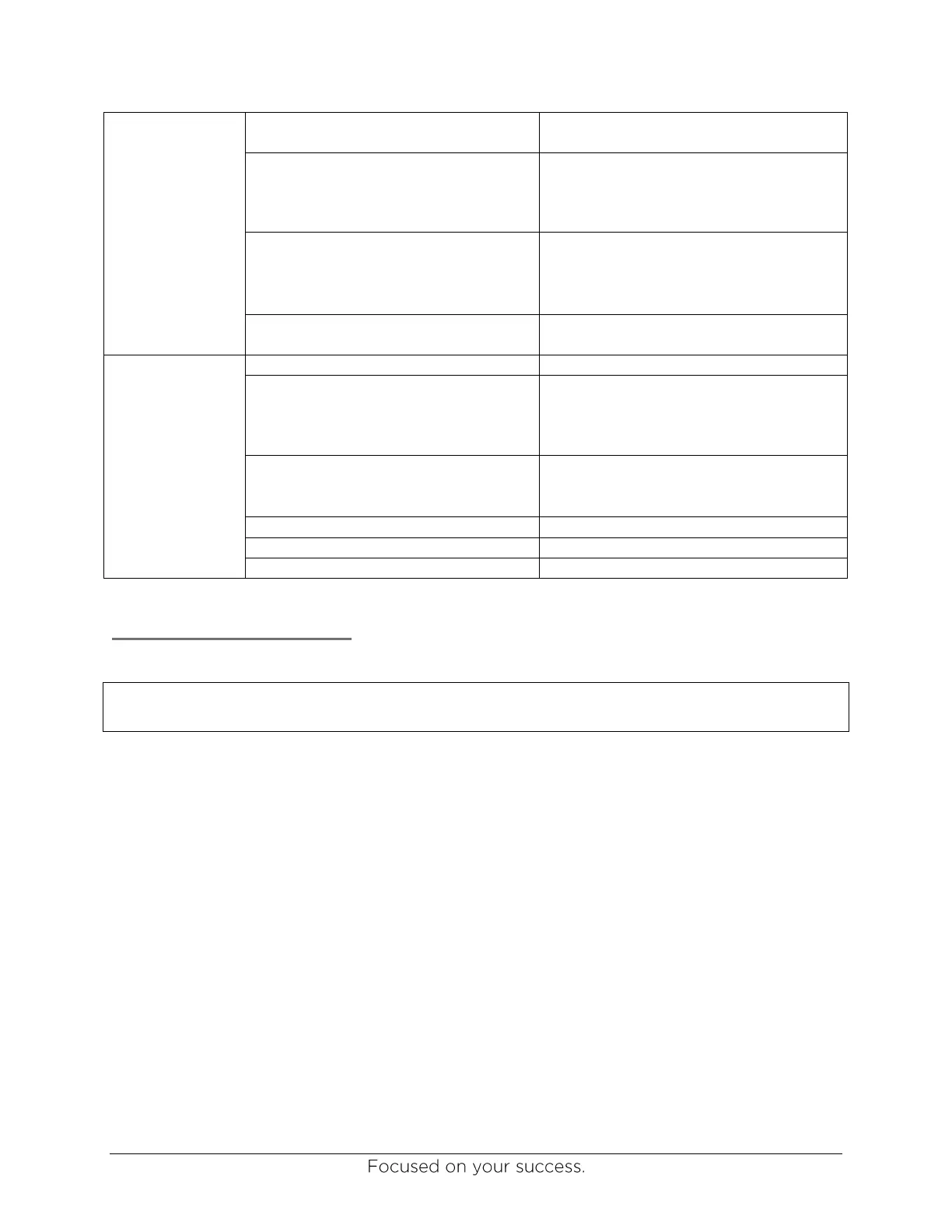
Suction cup part numbers:
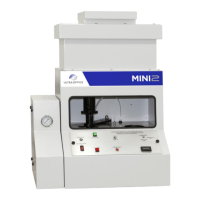
Mini2 - #1050
Cure unit - #1064
Filter is part number 4404
Change water filter in reservoir
Filter is part number 4404
Filter is part number 1428
Maintenance Procedures
NOTE: Many maintenance procedures are demonstrated in videos that can be found at
www.ultraoptics.com/technical-support
Setting spindle speeds
The following procedure should be used to check and adjust the spindle speeds to the following
settings:
Wash speed: 2200 RPM
Coating speed: 400 RPM
Coating spin-off speed: 2200 RPM, 1600 RPM if using AST-1
TM
coating
The following procedures should be followed to check the spindle speeds using a non-contact
measurement device. This tachometer can be rented or purchased from Ultra Optics as part
number 1397.
1. Carefully clean the surface of the suction cup, using only water.
Do not use alcohol or acetone to clean the deflector cups.
If deflector has excessive coating build-up on the surface, replace with a new
suction cup, P/N 1050.


 To Next Page